








Key Takeaways
- 1.Default: Best for RevOps teams that want end-to-end AI revenue infrastructure connecting unified GTM data, workflows, enrichment, routing, scheduling, and CRM execution.
- 2.Zapier: Best for teams that need broad, flexible app automation across an existing stack, with AI orchestration, agents, and thousands of app connections.
- 3.Workato: Best for enterprise IT and RevOps teams that need governed, high-volume iPaaS orchestration with agentic capabilities layered on top
- 4.HubSpot Sales Hub + Agent Hub: Best for teams already invested in HubSpot that want CRM-native sales automation, AI agents, prospecting, pipeline management, and reporting.
- 5.Agentforce Sales: Best for Salesforce-centric organizations that want sales automation and AI agents deeply embedded in their CRM, data, and broader Salesforce platform.
There’s no shortage of AI workflow automation tools for RevOps teams in the market. But the list narrows down by a huge margin when you think about tools that can run your GTM workflow end-to-end—from signal to enrichment to routing to booked meeting to CRM update—without leaking data or breaking on the third handoff.
That's also why the shortlist has shifted from generic no-code builders to platforms with a real data foundation and agentic layer.
Sales teams still spend only 40% of their time actually selling, according to Salesforce's 2026 State of Sales research. The remaining time includes administrative work, data entry, research, and other tasks that these tools increasingly aim to absorb.
We've compared five major options across their RevOps workflows, AI capabilities, data foundations, pricing, and ideal use cases so you can choose among them based on how your GTM stack actually operates.
The best AI workflow automation tools for RevOps—at a glance
Note: We checked the above pricing details against current vendor pricing pages in September 2026. Enterprise and usage-based costs can vary substantially by plan and usage.
1. Default: Best for AI-native GTM workflow automation across the revenue lifecycle
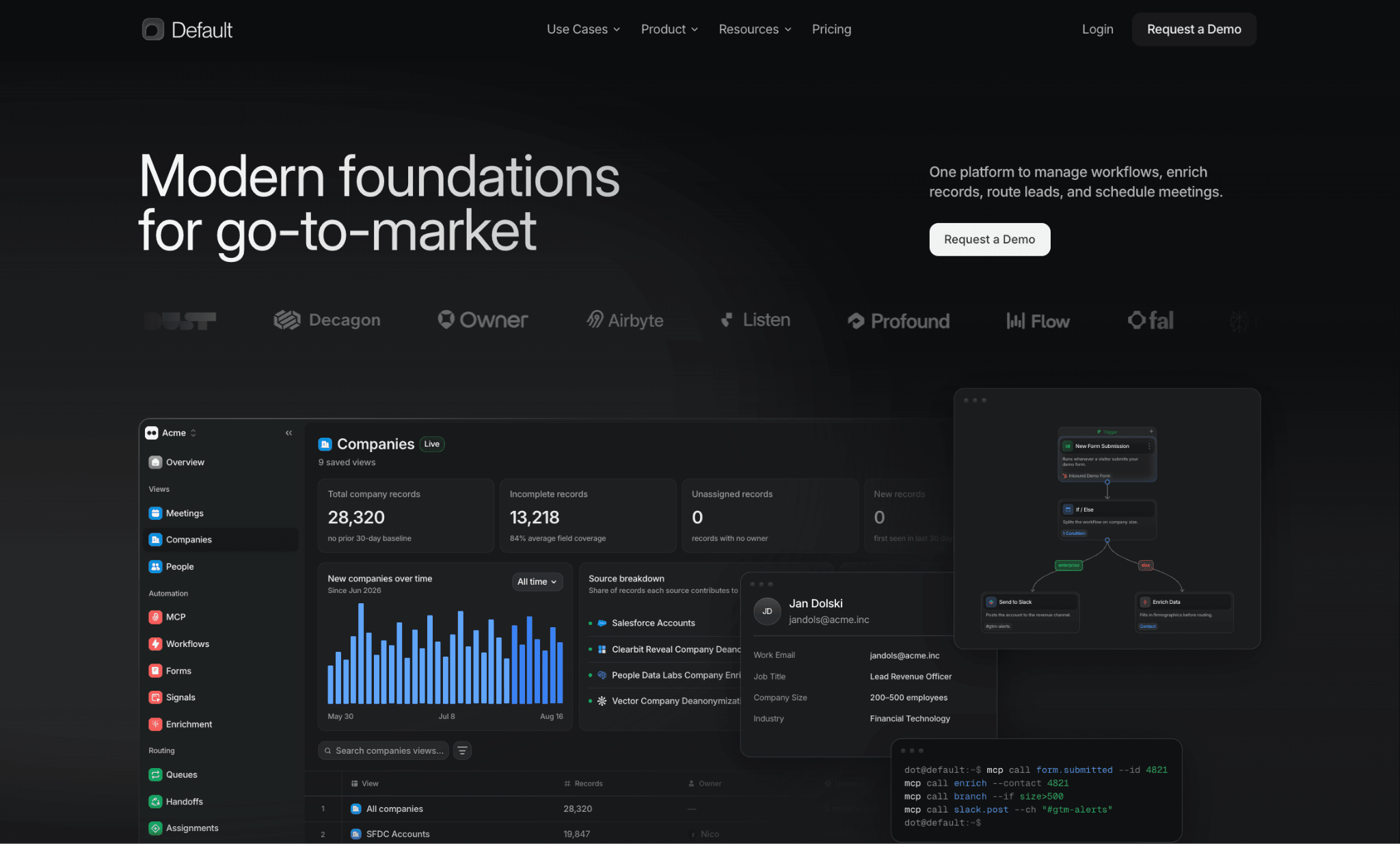
Default gives RevOps teams the modern AI-powered foundation for go-to-market.
We built it around a simple idea: your GTM workflows and AI agents need the same revenue data and execution infrastructure. It combines a unified, identity-resolved GTM data layer with workflows, enrichment, routing, scheduling, CRM sync, and agent infrastructure.
That makes Default a different category of RevOps workflow software from a generic app connector. Rather than another point tool bolted onto your Frankenstack of Chili Piper, LeanData, Clearbit, and Zapier, Default replaces the workflow layer entirely and gives your agents (and your ops team) one control plane to work from.
Key features
The three capabilities that matter most in this comparison are the foundation underneath the RevOps workflow automation: unified GTM data, agentic execution, and workflows that can act on that data with governance built in.
1. A unified data layer for GTM workflows and agents
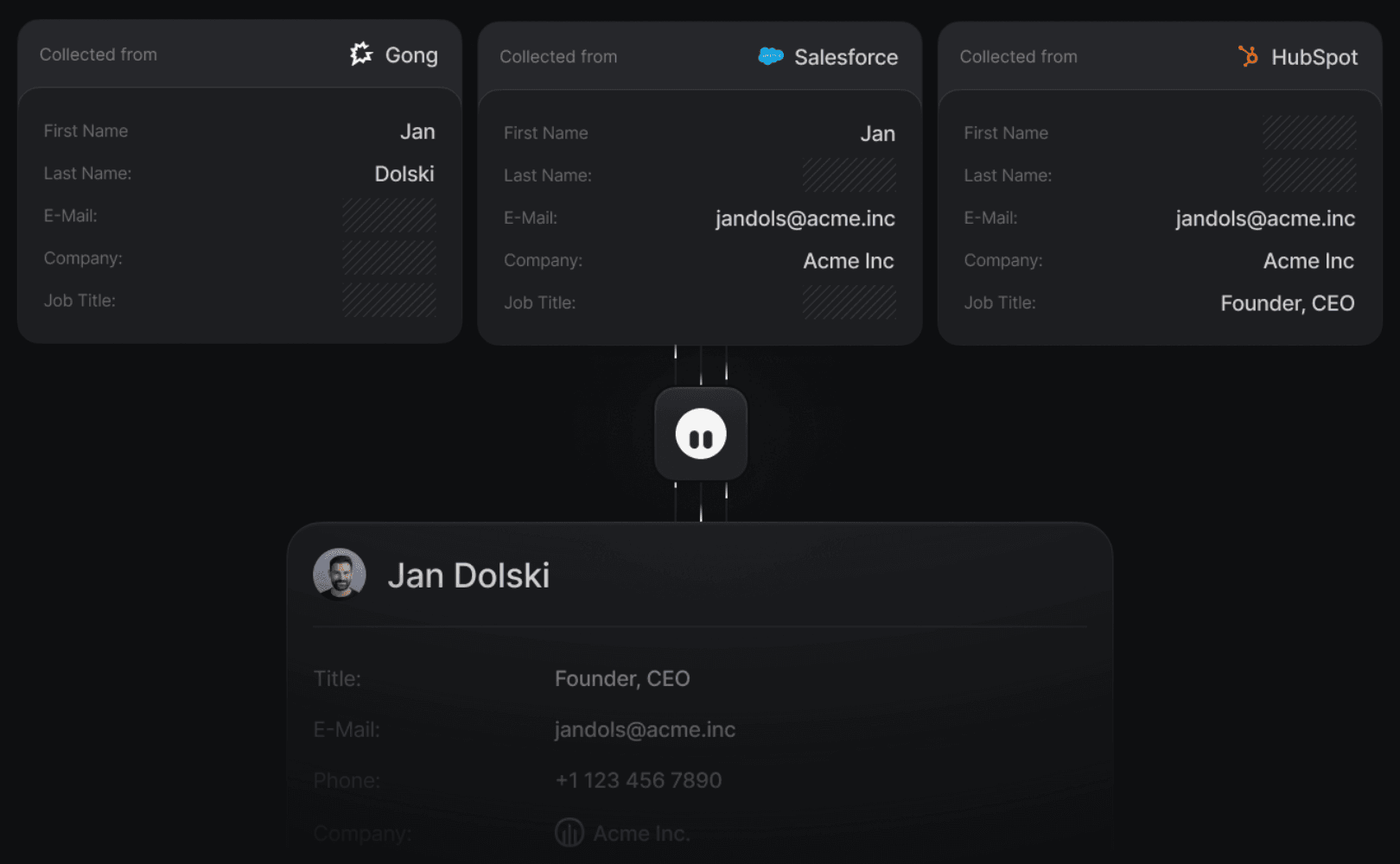
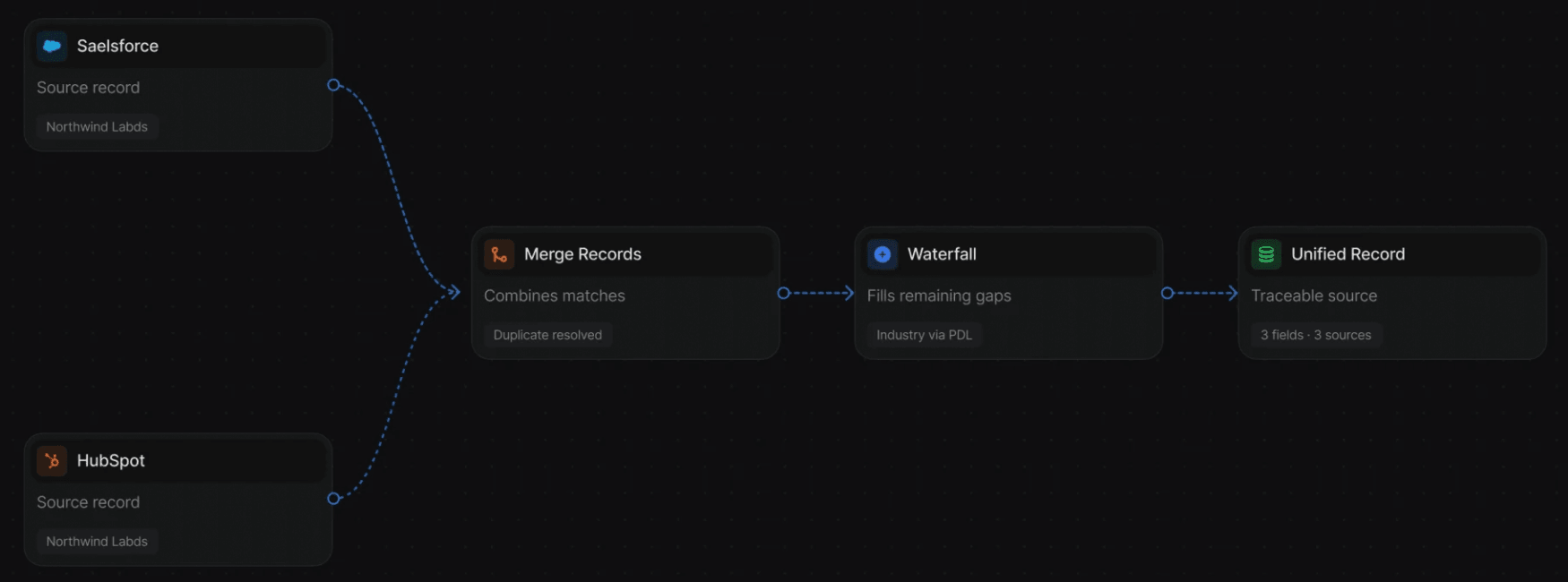
Default backfills your CRM records, pulls in enrichment, and unifies duplicate representations of the same person or company into a single canonical view—without you writing SQL or standing up a warehouse yourself. The same data foundation powers enrichment, routing, CRM synchronization, sales scheduling, and agent access.
If an agent has to query one system for ownership, another for enrichment, another for activity, and then stitch the results together before taking action, you're rebuilding the same fragmented sales process you’re trying to automate away.
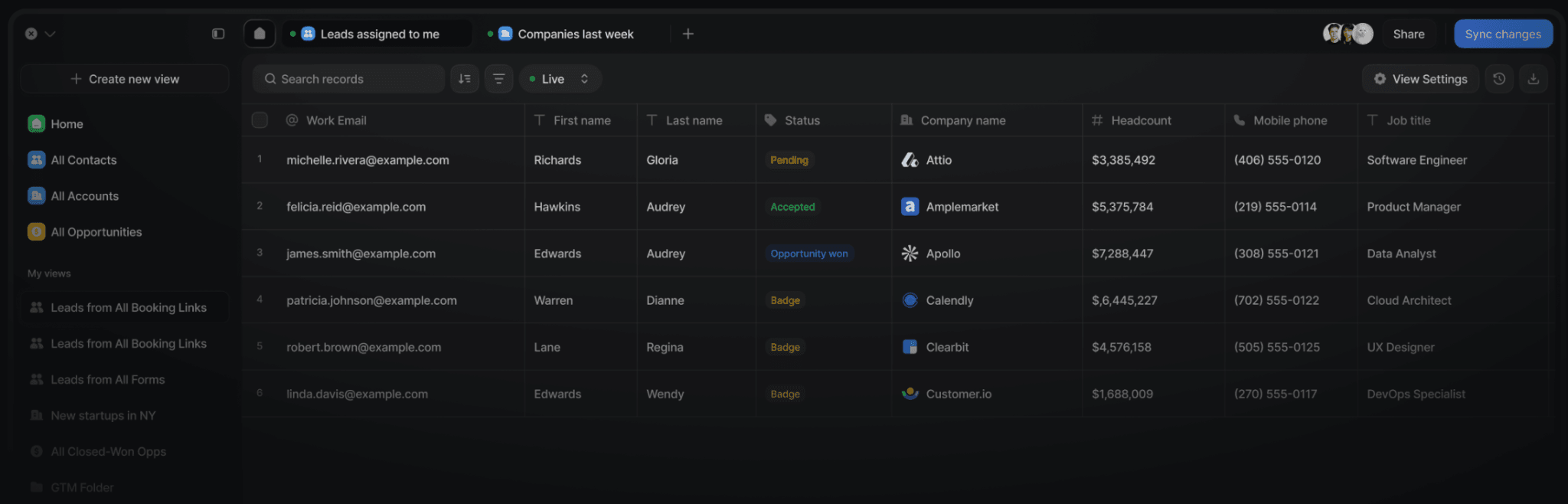
Default's Tables give RevOps teams a live, queryable view of the unified data layer. Records update as data changes, fields can be enriched through a waterfall of providers, and teams can edit records directly from the same surface. Agent edits are logged with attribution and a rollback path.
See how Default’s unified revenue data layer works and which GTM systems Default integrates with.
2. Defaut’s MCP turns plain-language requests into working systems
Instead of acting like a single chatbot, Default’s MCP reads a plain-language request, breaks it into a multi-step plan, and can handle routing, workflow execution, enrichment, and CRM writes.
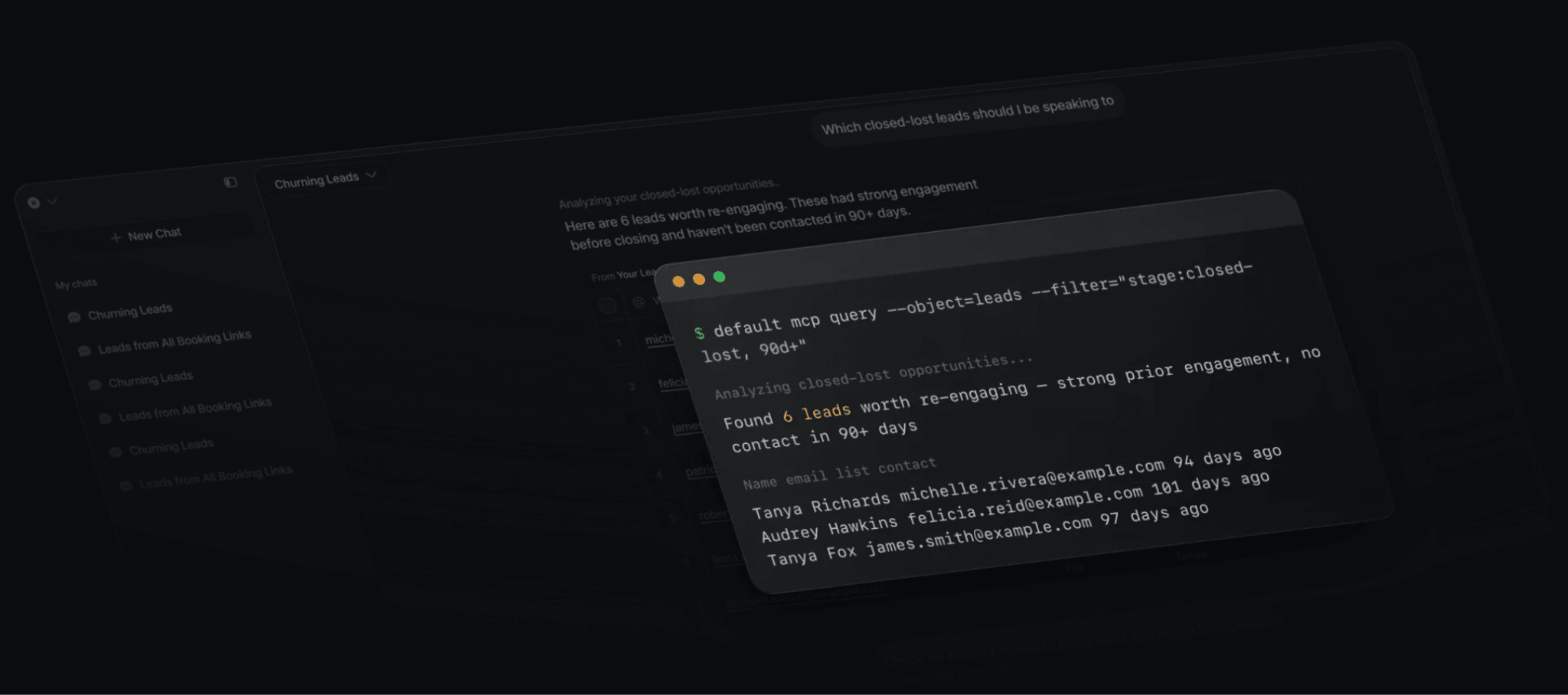
A marketing leader can say "rework how enterprise leads get distributed based on our new ICP score," and the MCP will help you:
- Draft the plan
- Query the data layer to find affected accounts
- Stage the routing and workflow changes together with your workflows and agents, and
- Human approve everything before it ships
Our MCP supports Claude, ChatGPT, and any custom agent your team has already built, so you're not locked into one model provider. For RevOps teams that spend hours turning strategy decisions into working systems inside a CRM, it’s the difference between weeks of engineering tickets and one conversation.
When you’re evaluating AI workflow tools for revenue operations, don’t stop at checking whether the RevOps automation tool offers an AI assistant. Tools with AI that can operate on the systems and data actually determine how revenue moves—and for that reason, are much more superior.
See Default in action
Walk through how Default unifies your revenue stack — live with our team.
Book a demo3. Agent-ready workflows with auditability
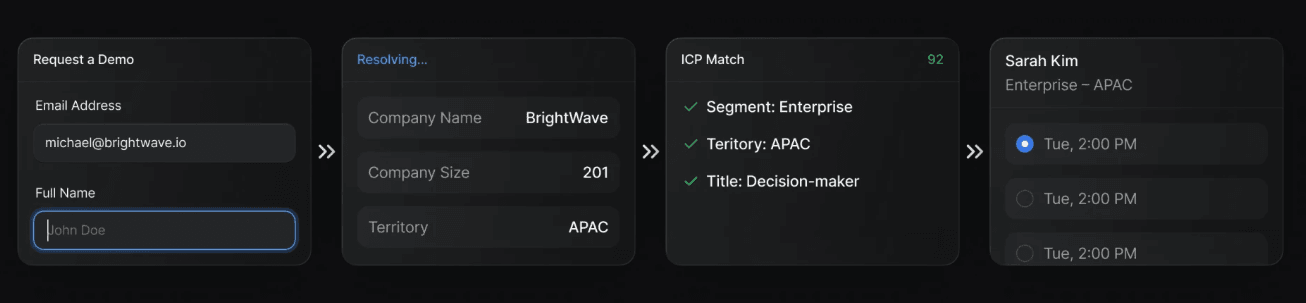
Sitting on top of the data layer are Default's native GTM execution tools, and they're all built so both humans and agents can use them.
- Default’s Workflow Builder offers a drag-and-drop canvas that helps you map and run the full inbound sequence (form submission → enrichment → qualification → routing → scheduling → CRM write) in one platform rather than through a series of disconnected Zaps and scripts. Workflows can trigger from any event in the data layer, including form submissions, score changes, and agent decisions.
- Default’s Lead Routing Software handles real-time distribution across territories, queues, and round robins with full audit logs of which rule decided each assignment.
- Default’s Scheduling Software gives every rep (and agent) a branded booking flow with routing queues and group events.
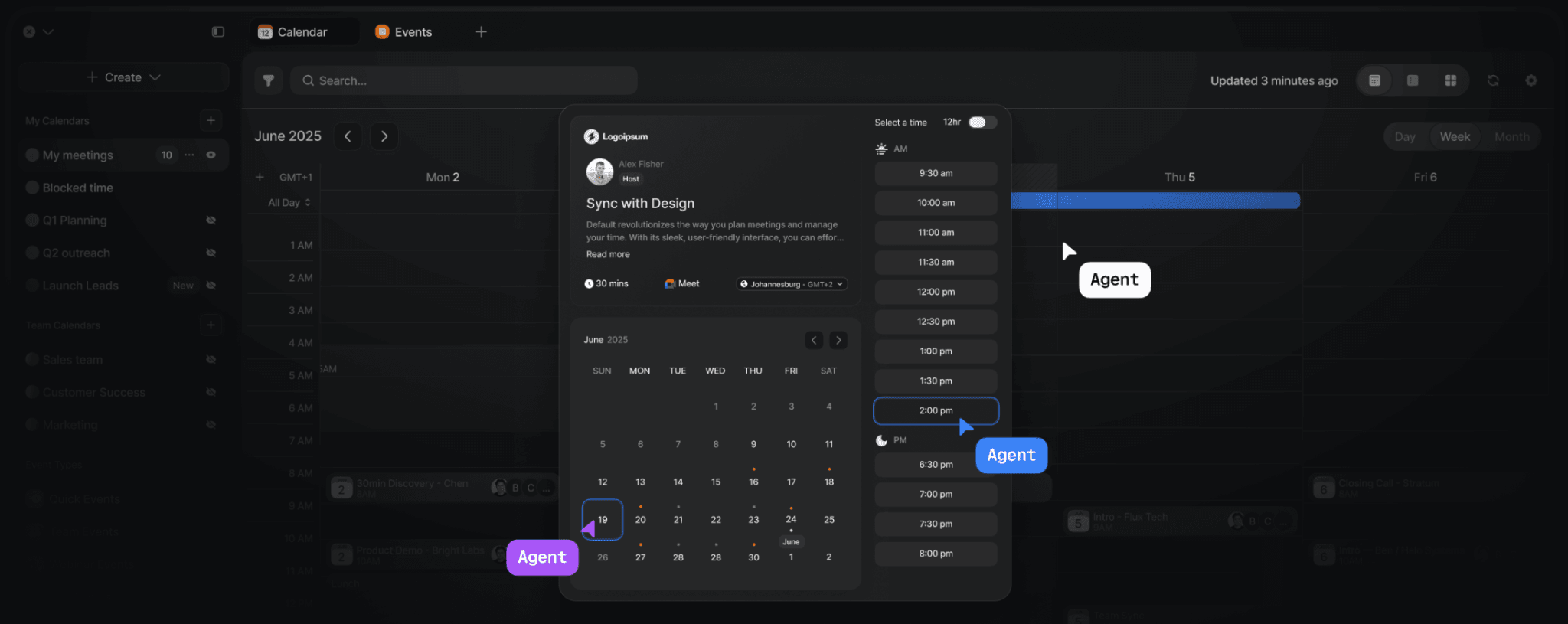
Default also supports bi-directional integrations with the revenue tools teams already use, so the goal isn't to rip out Salesforce or HubSpot. It's to provide an execution layer that can coordinate what happens across them.
See how Default solves this for your stack
Talk through your routing, enrichment, and scheduling needs with our team.
Book a demoPricing
Default also offers an agent-ready platform, website de-anonymization, unlimited workflow building, and audit logs on every run across plans. Additional enrichment credits are available at $0.10 per credit.
Check out Default’s pricing page for more details.
Where Default shines
- AI-native execution: Default connects agents to the actual data and workflows that run GTM, rather than treating AI as a separate chat layer that stops at surfacing signals.
- Unified revenue infrastructure: Routing, enrichment, scheduling, workflows, CRM sync, and data management share the same foundation. That reduces the need to reconstruct context or debug failures across separate tools.
- Governed automation: Workflow and agent activity is logged, attributable, and reversible. That's particularly relevant for teams giving AI access to production GTM systems.
Where Default falls short
- Not a general-purpose app automation platform: If your primary requirement is connecting arbitrary apps across finance, HR, support, marketing, and other business functions, Zapier or Workato have broader horizontal coverage.
- Built for teams with meaningful RevOps complexity: A small team with a handful of two-step automations may not need a dedicated GTM execution layer. Default becomes more relevant as routing, enrichment, scheduling, CRM data, and agentic workflows become interconnected.
Customer reviews
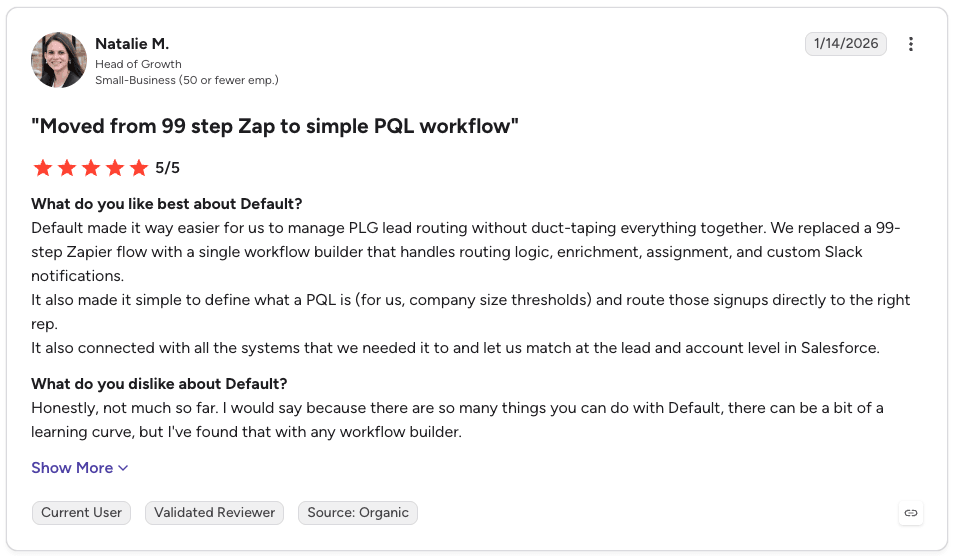
"We replaced a 99-step Zapier flow with a single workflow builder that handles routing logic, enrichment, assignment, and custom Slack notifications." - Natalie M., verified G2 review.
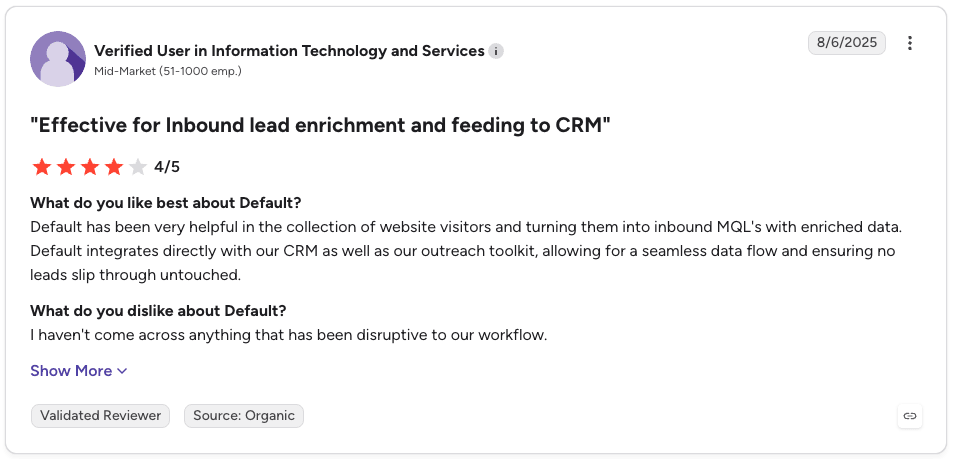
“Default has been very helpful in the collection of website visitors and turning them into inbound MQL's with enriched data. Default integrates directly with our CRM as well as our outreach toolkit, allowing for a seamless data flow and ensuring no leads slip through untouched.” - Verified G2 review
Who Default is best for
- RevOps leaders: Teams responsible for routing, enrichment, workflow logic, CRM operations, and the growing operational requirements of AI agents.
- GTM teams with complex revenue motions: Organizations managing multiple ICPs, territories, products, enrichment sources, routing policies, and downstream systems.
- Teams building toward agentic GTM: Companies that don't just want an AI assistant, but want agents to work against governed GTM data and eventually execute operational changes.
- Teams with a Frankenstack: Companies stitching together CRM workflows, enrichment providers, routing software, scheduling tools, middleware, and custom scripts—and looking for a common execution layer.
- Ops leaders tired of engineering tickets: They can update territories, workflows, or scoring logic themselves without a dev sprint
See how Default solves this for your stack
Talk through your routing, enrichment, and scheduling needs with our team.
Book a demo2. Zapier: Best for flexible, cross-stack RevOps automation
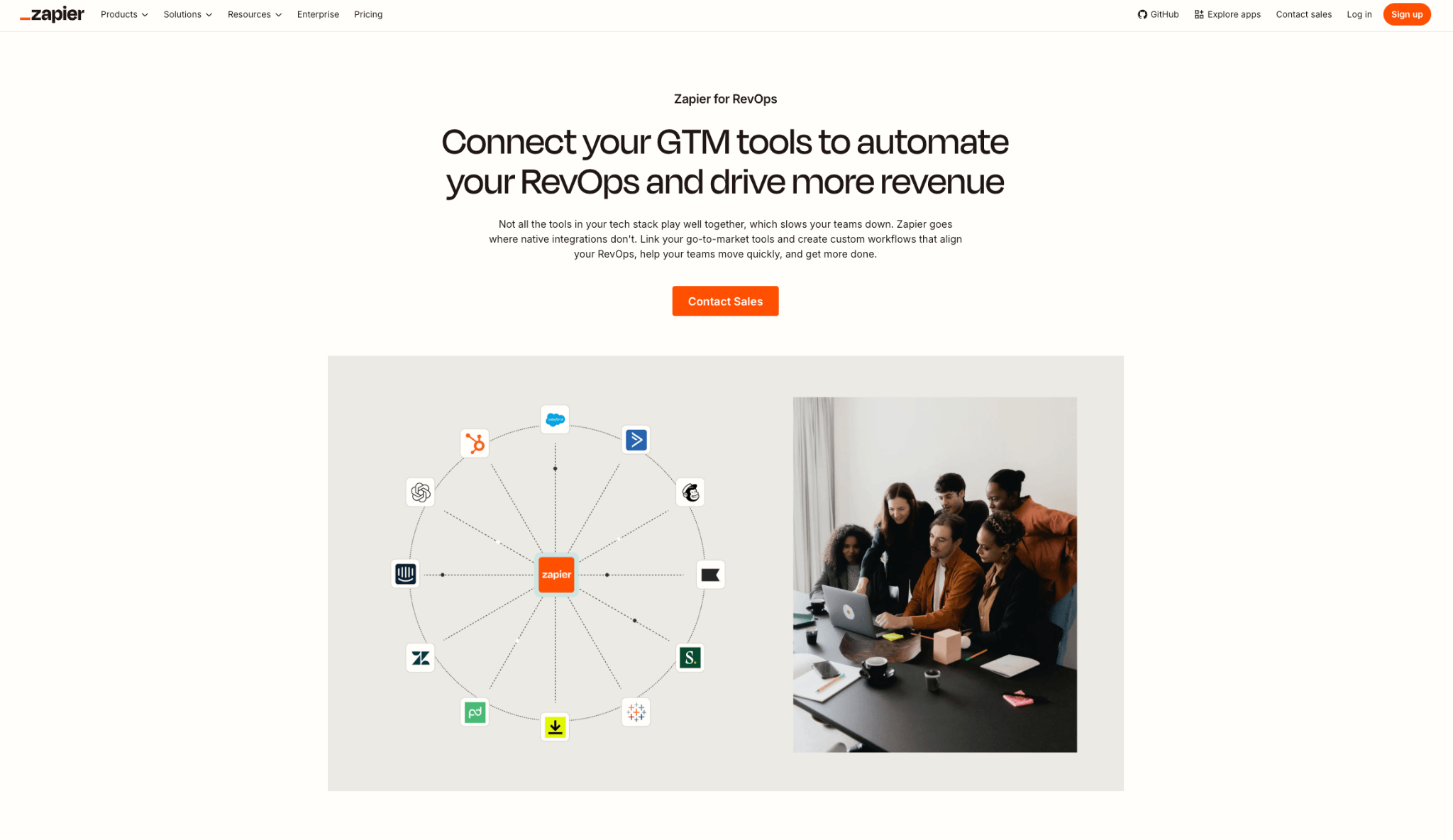
Zapier is the connective tissue of the SaaS world. With 9,000+ app integrations it's the default choice when you need to move data between tools that don't have a native connection. It can come in handy when you need to stitch together a CRM, enrichment provider, marketing platform, spreadsheets, communication tools, billing systems, and other applications without building custom integrations.
In 2026, Zapier has pushed hard into AI: Zapier Agents lets you build custom AI assistants, Zapier MCP connects any AI chat to your workflows, and Zapier Copilot uses natural language to help build Zaps. For RevOps teams that need broad reach and don't have engineering time, it's still the fastest way to close integration gaps.
Key features
AI-powered lead management
Lead management is one of the clearest RevOps use cases for Zapier. Its current workflows can capture leads, enrich records, filter or score them, route them to the right owner, and trigger follow-up actions across the stack. Zapier also offers a dedicated Lead Router for automatically assigning incoming leads and sending them to CRMs, communication tools, and other applications.
AI agents and orchestration
Zapier lets teams build AI agents that can work with live data sources, browse the web, interact through its Chrome extension, and perform automated behaviors. A RevOps team can even combine agentic actions with traditional workflow steps rather than having to rebuild its existing automation architecture around AI.
Broad app connectivity
Zapier's real edge is its catalog breadth of 9,000+ apps. If a niche tool has an API, Zapier probably supports it. That matters for RevOps teams stitching together long-tail apps (form tools, enrichment vendors, sales engagement platforms) that don't have direct integrations to your CRM.
Paths, Filters, Formatter, Webhooks, and Code steps give you conditional logic and light data transformation without leaving the Zap canvas.
Pricing
Zapier's current pricing is task-based for its core platform. AI steps, code, and SDK usage also follow the task model. Agent activity is priced separately.
Where Zapier shines
- Fast experimentation: RevOps teams can create and modify workflows without waiting for engineering to build every integration.
- AI + automation in one layer: Teams can combine traditional workflow actions with AI steps, Tables, MCP, and Agents.
Where Zapier falls short
- Complexity at scale: A large number of interconnected workflows can get brittle at scale and accumulate silent failures that are hard to debug. The architecture requires clear ownership and monitoring as workflows multiply.
- Not built for real-time revenue execution: Zapier is polling-based by default and doesn't handle sub-second routing, calendar hold logic, or enrichment waterfalls the way GTM-native tools do.
- Usage-based economics: Task consumption can make costs harder to predict as automation volume increases. Every action in a multi-step Zap consumes a task, so a busy RevOps workflow can quickly climb tiers.
Customer reviews
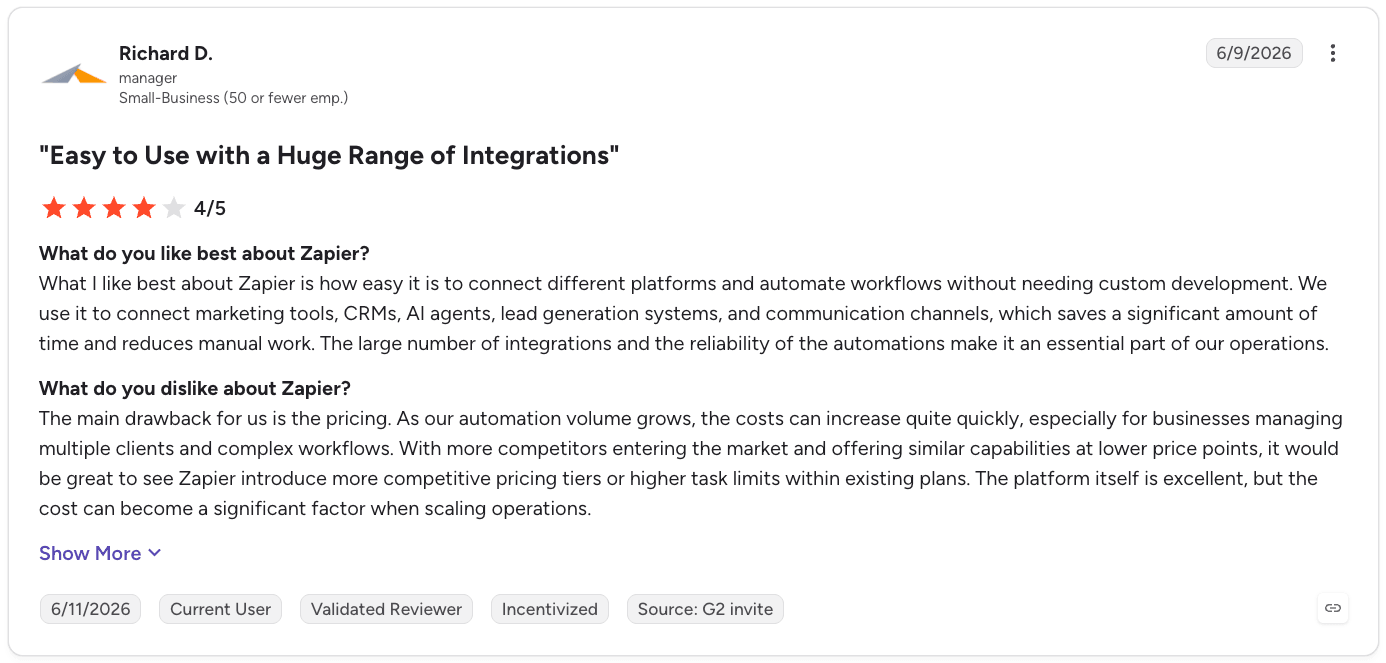
“We use it to connect marketing tools, CRMs, AI agents, lead generation systems, and communication channels, which saves a significant amount of time and reduces manual work.” - Richard G., verified G2 review
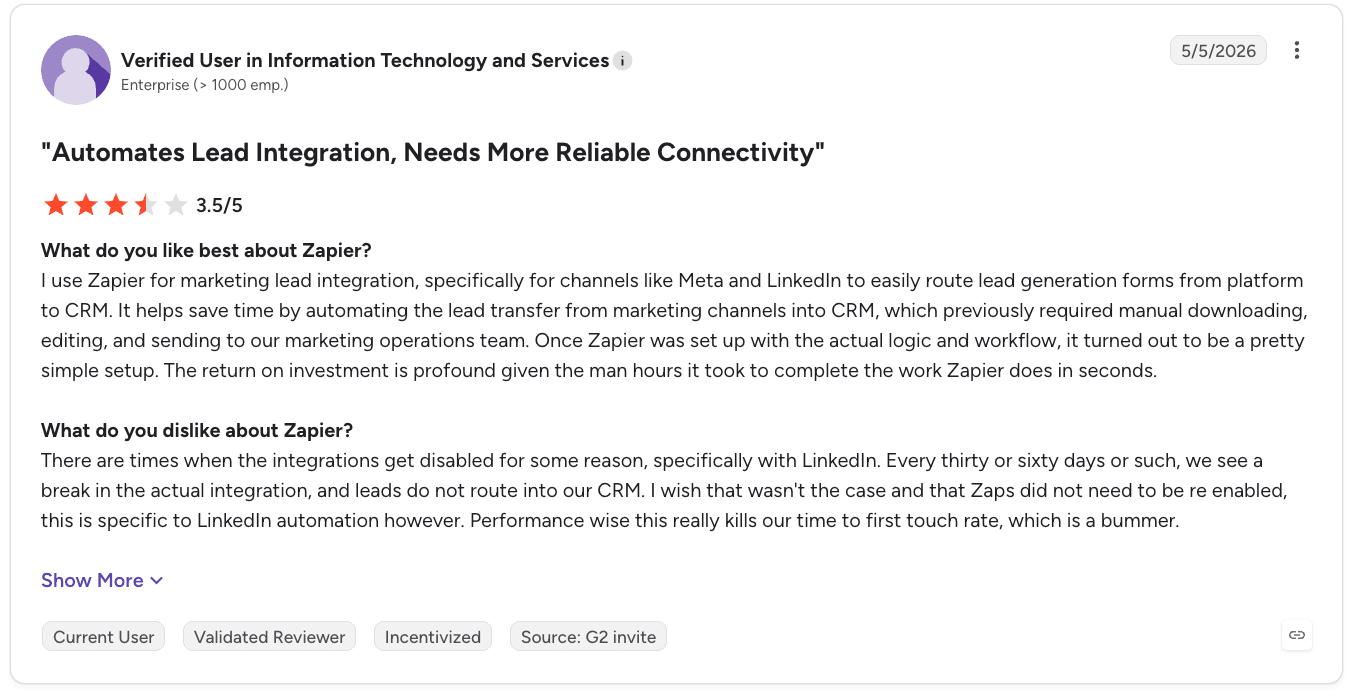
“There are times when the integrations get disabled for some reason, specifically with LinkedIn. Every thirty or sixty days or such, we see a break in the actual integration, and leads do not route into our CRM.” - Verified G2 review
Who Zapier is best for
- Lean RevOps teams at startups and mid-market SaaS: Especially those that need to connect many applications without having a dedicated integrations engineer.
- Multi-tool GTM stacks: Teams where the problem is interoperability rather than a lack of automation functionality.
- Teams experimenting with AI: Organizations that want to layer AI actions and agents into existing workflows incrementally.
3. Workato: Best for enterprise iPaaS with RevOps agent orchestration
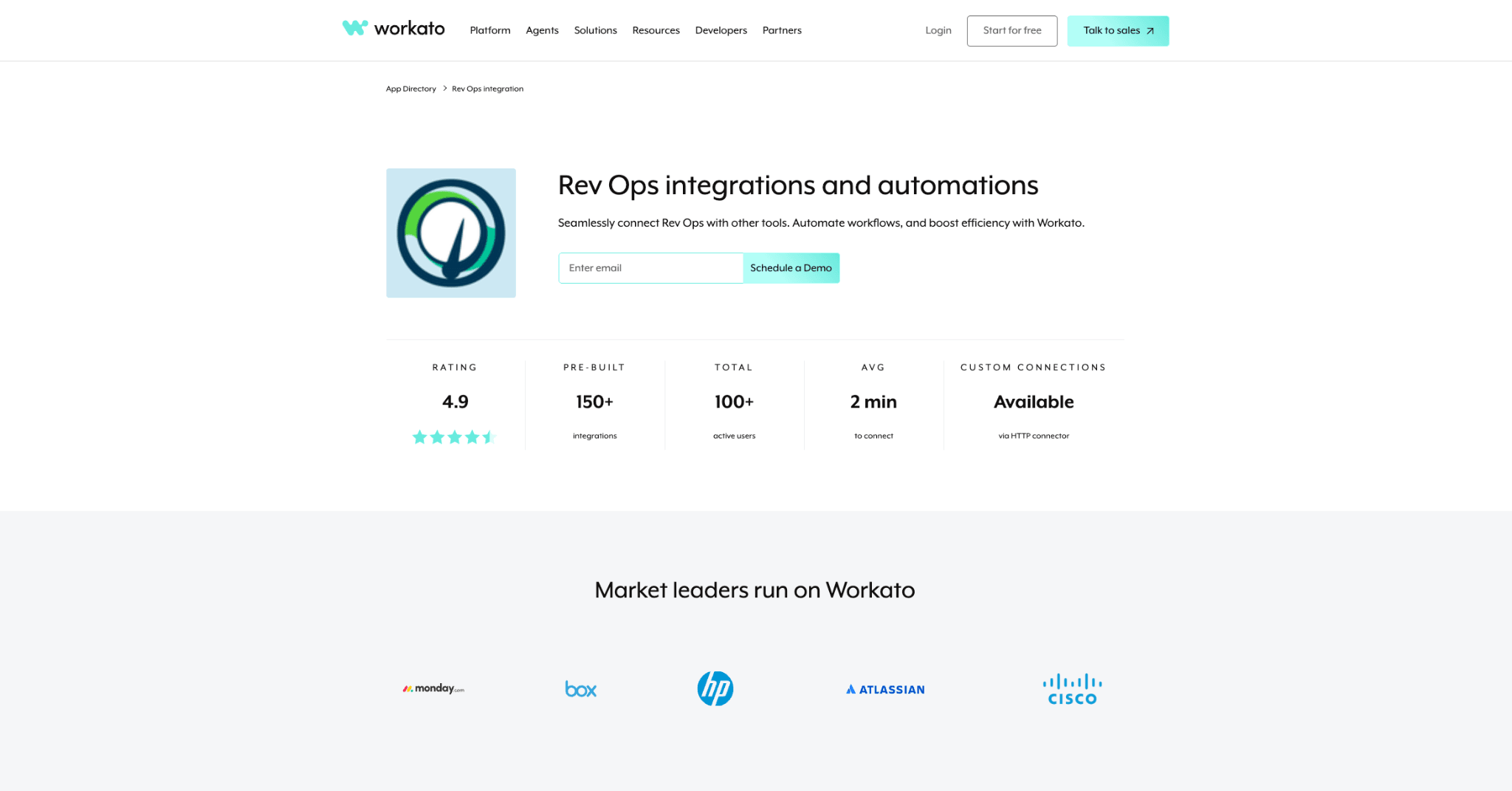
Workato is an enterprise iPaaS with an agentic layer bolted on top. Where Zapier goes wide, Workato goes deep. It's built for governed, high-volume orchestration across IT, finance, HR, and RevOps at organizations that need SOC 2 posture, on-prem connectors, and workflows that touch SAP, Oracle, Workday, and NetSuite.
With Workato One, the platform combines orchestration and AI-agent capabilities so businesses can deploy autonomous agents across their apps, data, and workflows with governance. It pairs Workato Orchestrate (integrations, AIRO intent-based automation, and an Agent Orchestrator to coordinate multiple agents) with Workato Agentic (Agent Studio, Hub, Acumen, and Trust) to give agents enterprise context, reusable skills, and security controls.
On top, Workato offers ready-made AgentX Apps (e.g., for IT help desk) that can be customized using the same platform.
Key features
Recipes and enterprise-grade orchestration
Workato's core unit is the "recipe", an automated workflow made of triggers and actions across connected systems. Recipes handle complex logic, error handling, and retries, and Workato's Modern iPaaS platform layers on data orchestration, MDM, API management, and B2B/EDI capabilities. For RevOps teams inside larger orgs, this means one platform can handle order-to-cash, lead-to-cash, and post-sale renewal orchestration across CRM, ERP, and billing.
Agent Studio, Genies, and MCP Gateway
Agent Studio is Workato's builder for custom AI agents that can reason across enterprise data. Genies are pre-built agents for common functions (including Sales, Marketing, Support, HR, and CX) that ship with agent instructions, tools, and connectors ready to configure. Workato's MCP Gateway acts as a governance layer for how enterprise agents access data and systems, which matters when compliance and audit are non-negotiable.
Otto by Workato
Otto is Workato's AI superagent, an internal-facing assistant that can operate across the platform's recipes and connected systems. For RevOps leaders, it's a way to give business users conversational access to workflows without deep training on Workato's builder.
Pricing
Workato’s pricing model is custom and combines a platform edition fee with usage. Higher editions add capabilities for increasingly complex integration and orchestration requirements.
Where Workato shines
- Enterprise orchestration: Workato is designed for complex environments where many systems need to participate in the same business process.
- Governance: Auditability, security, integration management, and enterprise controls are central to the platform.
- Deep ERP and back-office connectors: If your RevOps workflows have to touch NetSuite, SAP, or Oracle, Workato's connectors are more robust than any general-purpose automation tool.
- Agentic layer with real controls: MCP Gateway and Agent Orchestration give enterprises a way to deploy agents without losing visibility into what they're accessing.
Where Workato falls short
- Overkill for pure GTM use cases: If your primary need is routing, enrichment, and scheduling for inbound leads, you're paying for infrastructure that's 90% beyond your use case.
- Sales-led pricing and long procurement: No public pricing, annual contracts, and enterprise sales cycles that mid-market GTM teams typically can't wait through.
- Steeper learning curve: Recipes are more powerful than Zaps but require more skill to build and maintain.
Customer reviews
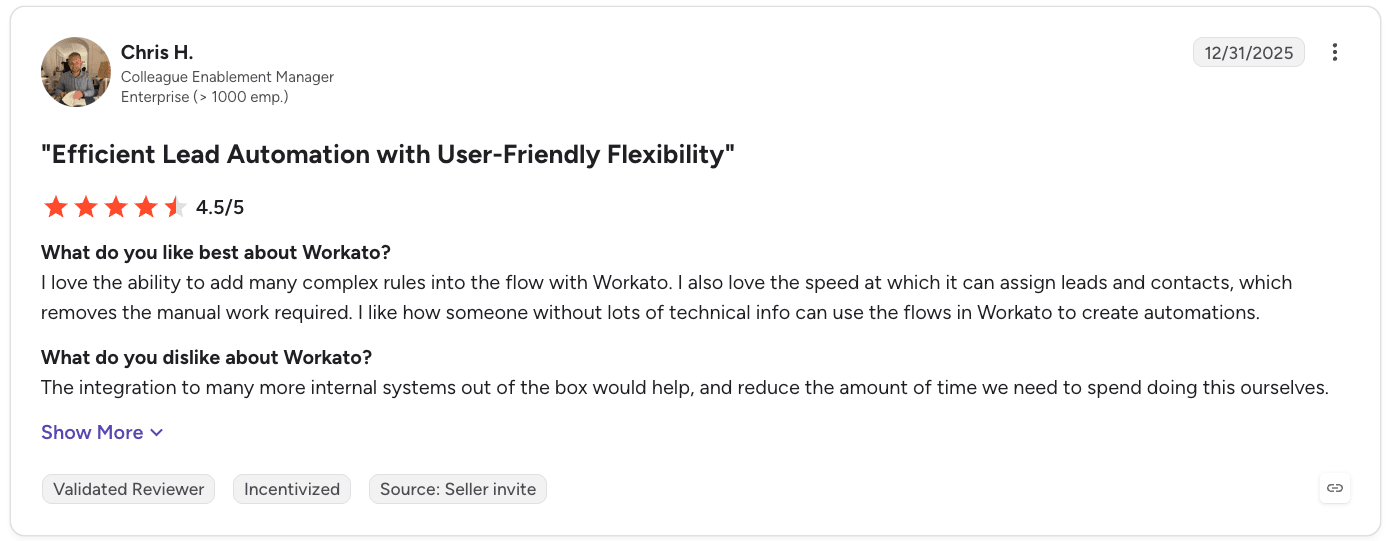
I love the ability to add many complex rules into the flow with Workato. I also love the speed at which it can assign leads and contacts, which removes the manual work required. - Chris H., verified G2 review
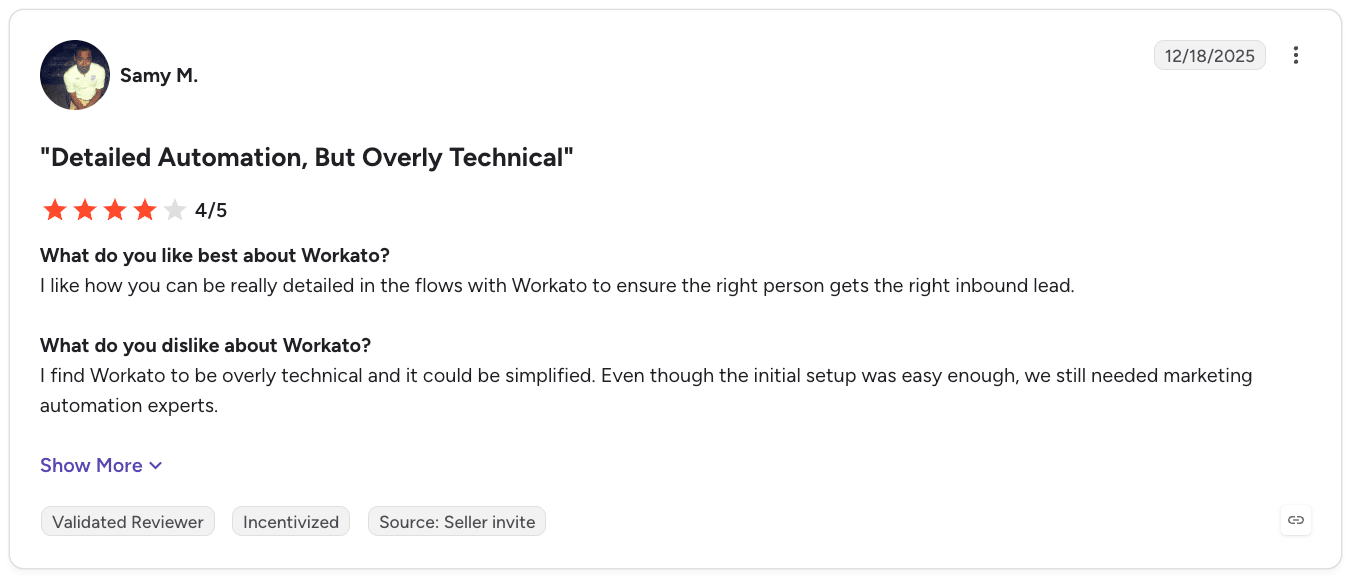
“I find Workato to be overly technical and it could be simplified. Even though the initial setup was easy enough, we still needed marketing automation experts.” - Samy M., verified G2 review
Who Workato is best for
- Enterprise RevOps and IT organizations: Particularly those operating across complex cloud and on-prem application environments.
- Regulated industries (financial services, healthcare, life sciences): Where SOC 2, ISO 27001, and audit logging are procurement-level requirements.
4. HubSpot Sales Hub + Agent Hub: Best for CRM-native sales automation
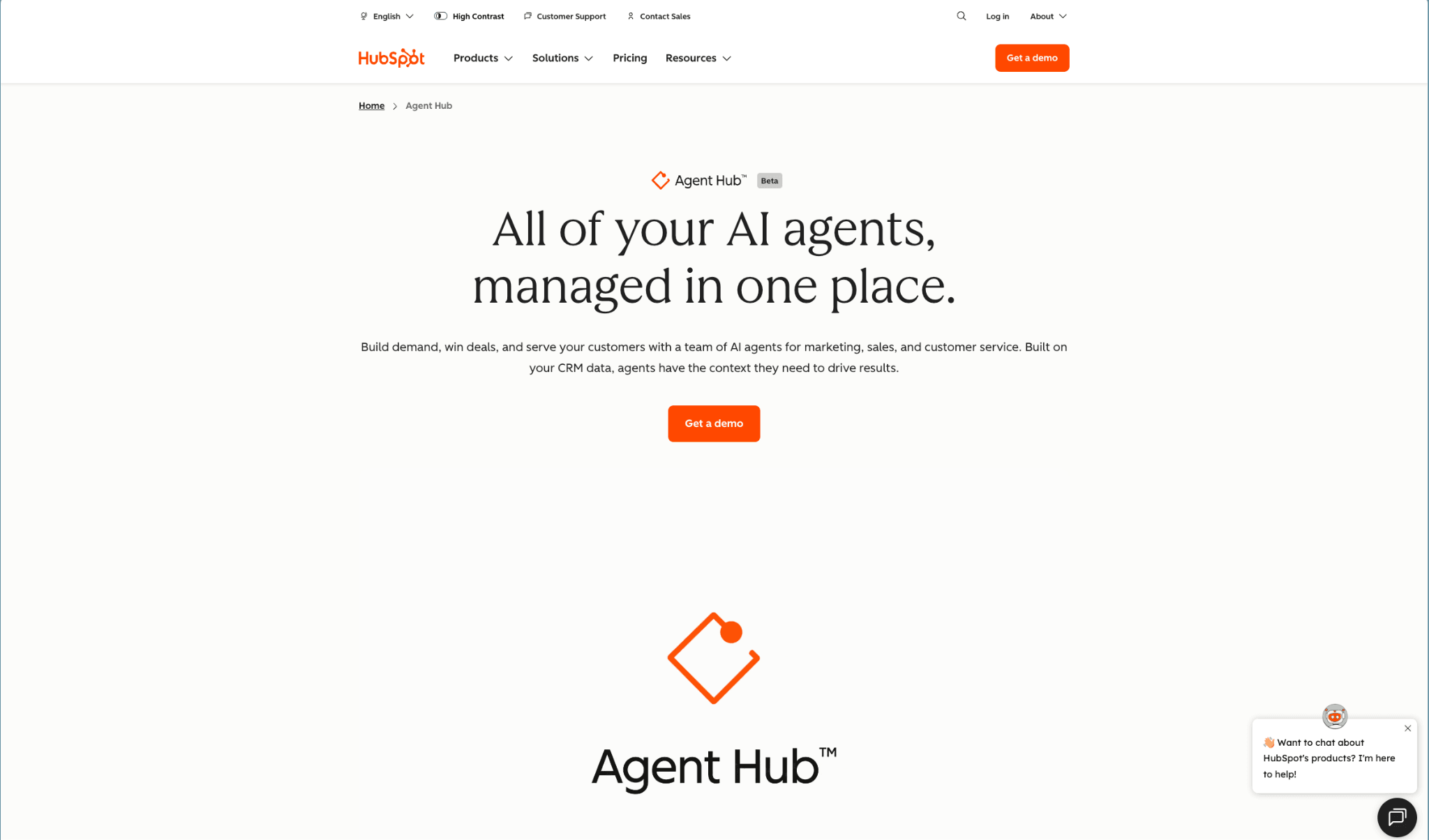
HubSpot Sales Hub takes a different approach from Zapier and Workato: rather than primarily acting as an integration layer between applications, it combines CRM, sales automation, AI, pipeline management, and reporting inside the HubSpot ecosystem.
For RevOps teams running HubSpot as their system of record, HubSpot Agent Hub is the shortest path to native AI because it grounds every agent in HubSpot's own data model. The tradeoff: agents do their best work inside HubSpot. If your revenue stack lives across Salesforce, HubSpot, product, and marketing systems, you'll likely still need an execution layer on top.
Key features
CRM-native sales automation
Sales Hub provides lead and deal management, automated outreach, follow-ups, forecasting, meeting scheduling, and sales automation from within the HubSpot CRM. Higher tiers add custom objects, advanced automation, AI-powered lead scoring, and conversation intelligence.
The advantage is context. The workflow operates directly against HubSpot's CRM records rather than requiring RevOps to synchronize data into a separate automation platform first.
Agent Hub
HubSpot has expanded its AI capabilities beyond assistants and content generation. Its current Sales Hub offering includes AI-powered prospecting and AI agents, with HubSpot Credits used to power agent actions.
HubSpot's agents live in Agent Hub, which now houses over 20 agents including Customer Agent, Prospecting Agent, Data Agent, and Deal Progression Agent. The Prospecting Agent handles buying signal identification, outreach, and meeting booking, while the Data Agent researches contacts and companies by combining your CRM records, call/email transcripts, documents, and trusted web sources to fill missing fields, standardize formatting, flag duplicates, and answer custom business questions (e.g., competitors, recent news, stalled deals).
Breeze Assistant
Breeze Assistant is HubSpot’s built-in conversational AI (formerly “Breeze Copilot”) that lives as a side panel across the CRM and helps you draft content, summarize records, prepare for meetings, and complete routine tasks using your HubSpot data. It’s a “generalist” you talk to directly. You can use it to ask questions, get summaries, generate emails or reports, and organize prompts into projects with saved preferences.
Pricing
HubSpot's current pricing page also uses HubSpot Credits for AI features and agents. Professional and Enterprise plans have one-time onboarding fees of $1,500 and $3,500 respectively.
Where HubSpot Sales Hub shines
- Single-system experience: Sales teams can manage CRM data, pipeline, outreach, automation, and AI in one environment.
- Native to HubSpot data: Every agent is grounded in your HubSpot CRM without a separate data project. Data quality directly translates to agent quality.
- Broad agent library: Customer, Prospecting, Data, Deal Progression, and marketplace agents cover most common RevOps and sales use cases.
Where HubSpot Sales Hub falls short
- Less suitable for heterogeneous stacks: If the critical workflow crosses many external systems and requires sophisticated orchestration outside HubSpot, a dedicated integration or RevOps execution layer may be more appropriate.
Customer reviews
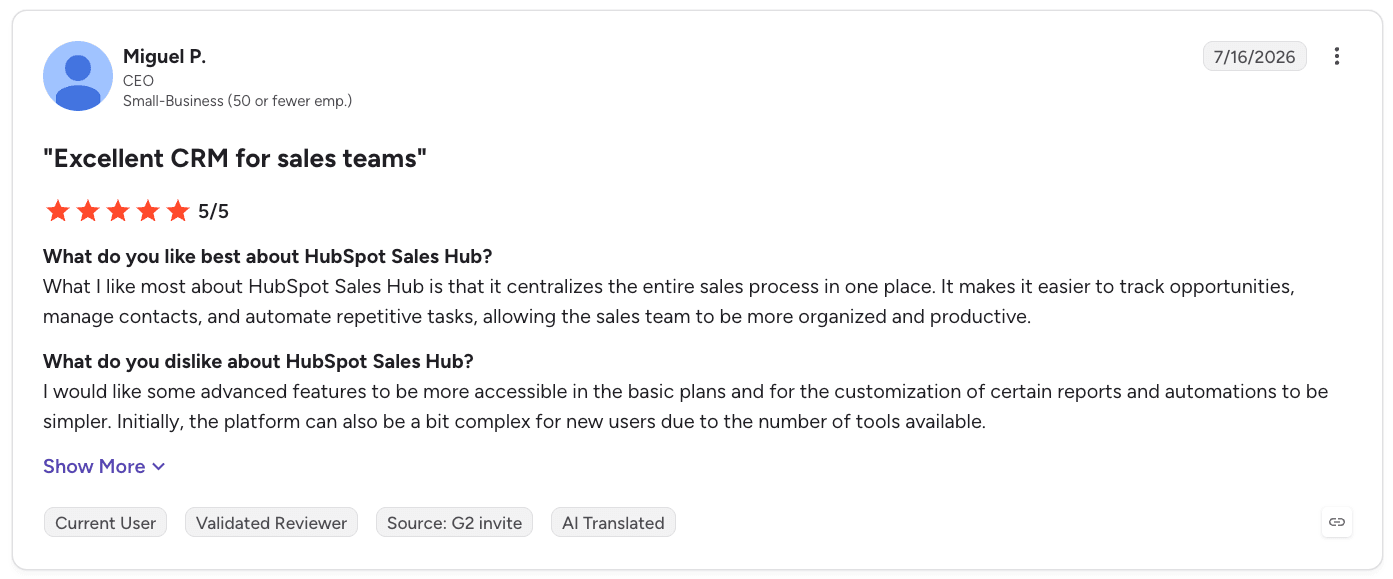
“What I like most about HubSpot Sales Hub is that it centralizes the entire sales process in one place. It makes it easier to track opportunities, manage contacts, and automate repetitive tasks, allowing the sales team to be more organized and productive.” - Miguel P., verified G2 review
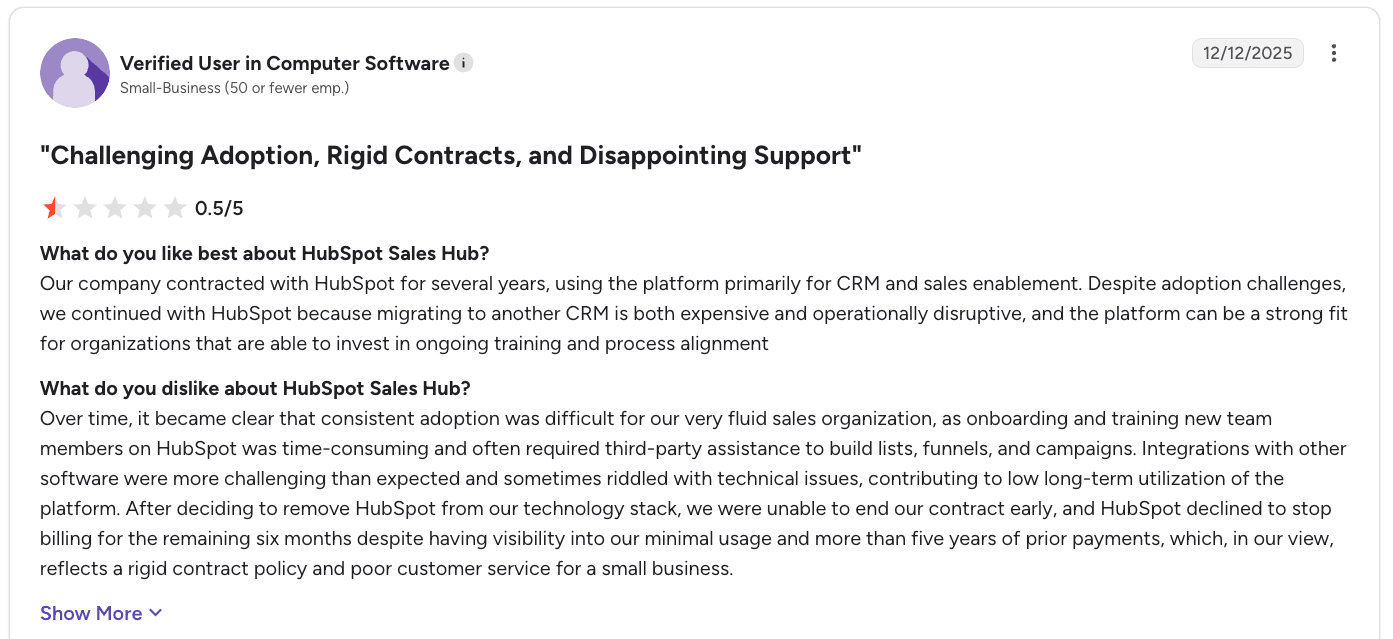
“Over time, it became clear that consistent adoption was difficult for our very fluid sales organization, as onboarding and training new team members on HubSpot was time-consuming and often required third-party assistance to build lists, funnels, and campaigns.” - Verified G2 review
Who HubSpot Sales Hub is best for
- RevOps teams with HubSpot as the system of record: The existing CRM data and workflows make the platform's native AI capabilities easier to operationalize.
5. Agentforce Sales: Best for Salesforce-centric enterprise GTM
Agentforce Sales (formerly Salesforce Sales Cloud) takes the most CRM-native approach to agentic sales automation in this group. For enterprise revenue teams already committed to the Salesforce ecosystem, Agentforce is the natural way to add autonomous AI agents that operate inside your existing pipeline, forecast, and territory data.
The tradeoff is scope and cost: Agentforce works best when paired with Data 360 (formerly Data Cloud) and priced accordingly.
Key features
Data 360 as the grounding layer
Data 360 unifies structured and unstructured data (purchase history, product catalogs, connected asset insights) into a harmonized layer that Agentforce agents reason across. This is what makes agents useful for revenue workflows, but it's also why most advanced Agentforce deployments require Data 360, which pushes real first-year costs materially higher.
Autonomous prospecting, prioritization, engagement, and qualification
Salesforce's Prospecting Agent can research accounts and contacts, identify compelling events, enrich buyer information, and produce prioritized prospect lists using signals from Salesforce and third-party sources.
That moves prospect research from a manual seller activity into an always-on workflow.
Agentforce can also engage prospects across web, email, and voice, answer product questions, qualify buyers, and schedule meetings. Think of it as a way to move qualified prospects to sellers without requiring every interaction to begin with a human SDR.
Pipeline and account management
Agentforce can update pipeline fields such as stage and next steps, while sellers can review suggested changes or allow updates to happen automatically. For Salesforce-centric organizations, this is significant because the agent isn't operating outside the CRM. It is operating directly against the system where opportunities, accounts, activities, and sales processes already live.
Pricing
Salesforce restructured Sales Cloud editions in September 2026, replacing Enterprise, Unlimited, and Agentforce 1 with new Core, Advanced, and Max editions for new customers:
Add-ons include Einstein for Sales, Sales Programs, Revenue Intelligence (at $220/user/mo), and Data 360 licensing.
Where Agentforce Salesforce shines
- Deepest enterprise CRM foundation: No other tool in this list matches Sales Cloud's pipeline management, forecast rigor, and territory capabilities at enterprise scale.
- Agentforce is native to your CRM: Agents run on the same records your reps already use, with Trust Layer permissions and Data 360 grounding.
- Salesforce ecosystem depth: MuleSoft, Slack, Tableau, and the AppExchange give enterprise teams almost unlimited extensibility.
Where Agentforce Sales falls short
- Total cost of ownership is significant: License, Data 360, add-ons, implementation, and admin time add up quickly. Mid-market teams often outgrow their budgets before they finish deploying Agentforce.
- Implementation complexity: Getting Agentforce agents to work well requires clean data, Data 360 setup, and often MuleSoft integrations.
- Best if you're already all-in on Salesforce: Multi-CRM environments (Salesforce + HubSpot, or Salesforce + product data warehouses) still typically need an execution layer on top to unify data and workflows.
Customer reviews
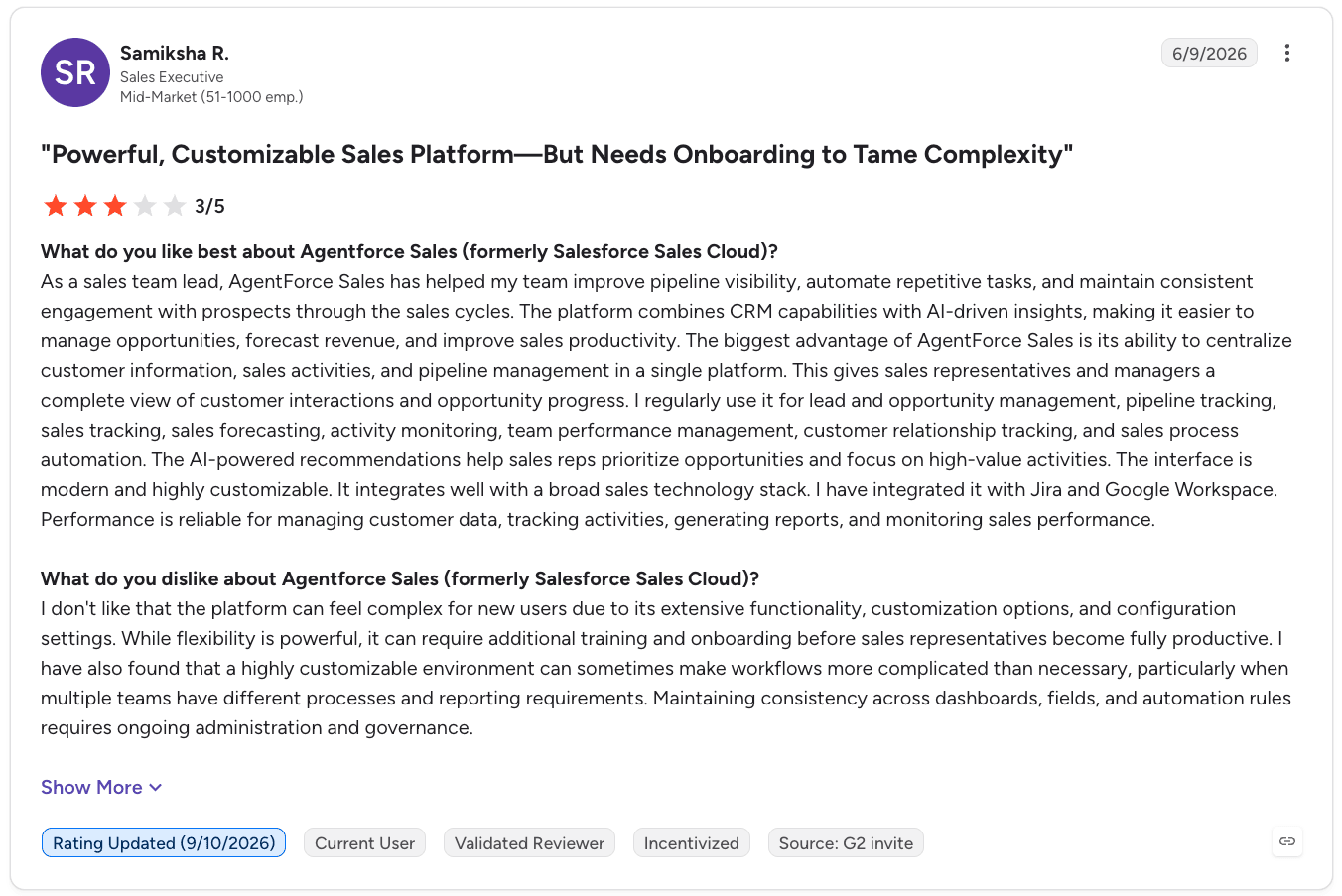
“I regularly use it for lead and opportunity management, pipeline tracking, sales tracking, sales forecasting, activity monitoring, team performance management, customer relationship tracking, and sales process automation. The AI-powered recommendations help sales reps prioritize opportunities and focus on high-value activities.” - Samiksha R., verified G2 review
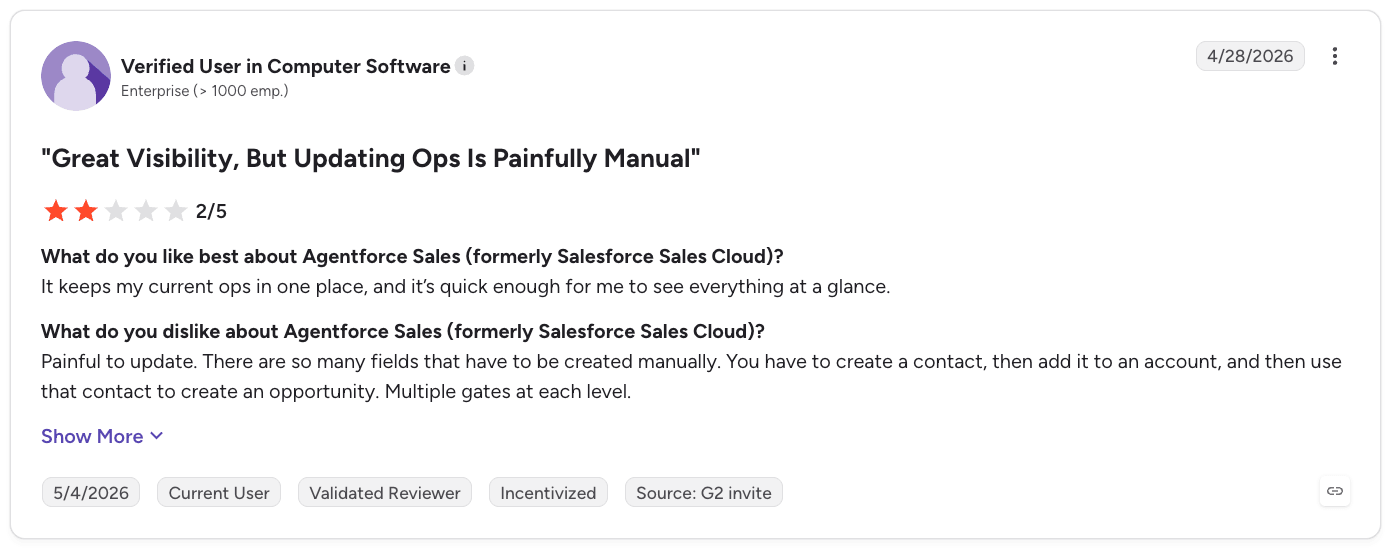
“Painful to update. There are so many fields that have to be created manually. You have to create a contact, then add it to an account, and then use that contact to create an opportunity. Multiple gates at each level.” - Verified G2 review
Who Agentforce Sales is best for
- Enterprise revenue teams committed to Salesforce: Especially those with the budget and admin depth to deploy Data 360 and Agentforce natively.
- Regulated industries: Here, Salesforce's compliance posture and Trust Layer are often procurement requirements.
- Teams with mature Salesforce data models: With clean territories, populated fields, and disciplined CRM hygiene, agents can produce more reliable output.
How to choose an AI workflow automation tool
The right tool depends less on how much AI a platform advertises and more on where your revenue data lives, what the AI can actually do, and how safely it can act.
Before choosing between RevOps workflow software, iPaaS, CRM-native automation, and agentic platforms, evaluate these five areas.
1. Start with the data layer, not the AI layer
AI agents need context before they can reliably make decisions. That means your CRM, marketing, product, enrichment, conversation, and intent data need to be accessible in a way the automation layer can actually use.
This is becoming one of the biggest constraints on sales AI. Salesforce's 2026 State of Sales found that 51% of sales leaders using AI say disconnected systems are slowing their AI initiatives, while 74% of sales professionals are prioritizing data cleansing.
The RevOps Co-op's 2025 State of RevOps Survey found an even broader data-quality problem: 99% of respondents reported struggling with technical data issues, and 71% of respondents who considered their data "good enough" still said data quality had negatively affected GTM execution.
So don't just ask whether a RevOps automation tool has AI. Ask:
- Can it resolve identities across systems?
- Can workflows and agents access the same data?
- Can enrichment happen before a workflow makes a decision?
- Can the data be written back to the systems your team already uses?
- Can you control which fields an agent can read or change?
Default's unified data layer, for example, consolidates revenue signals across CRM, marketing automation, product, call recording, sales engagement, and advertising systems. It can enrich fields before agents access them and apply field-level permissions to control what each agent can read, write, or change.
2. Separate AI assistance from AI execution
An AI assistant like HubSpot Breeze Assistant might summarize a CRM record, write an email, or recommend which account to prioritize. An agentic workflow can go further: interpret the request, plan the work, query data, make decisions, use tools, and execute changes.
When evaluating a tool, ask:
- Does AI only recommend an action?
- Can it actually execute the action?
- Can it work across multiple systems?
- Can it break complex requests into smaller tasks?
- Can a human review changes before they reach production?
3. Check if RevOps execution is native or orchestrated together
The third question: does the tool run the actual GTM workflow, or does it just orchestrate other tools that run it? A Zap can fire an enrichment call, wait, and then send a Slack message. But if your enrichment lags, the calendar shows the wrong rep, and the meeting doesn't get booked.
Native execution means routing, enrichment, qualification, and scheduling live on the same platform, running against the same records, in real time. Default's Workflows, Routing, Scheduling, and Tables all run on the unified data layer. When a form submits, AI powered enrichment happens in milliseconds, routing picks the right owner based on live segment data, and scheduling shows the right calendar. It’s one continuous flow instead of a chain of tools poking each other.
4. Look at governance before giving AI production access
The moment an AI system for RevOps can modify routing logic, CRM records, workflows, or customer data, governance becomes an indispensable requirement.
That means your evaluation should cover:
- Permissions: What can each agent access?
- Approvals: Which actions require human review?
- Auditability: Can you see exactly what changed?
- Rollback: Can an incorrect change be reversed?
- Observability: Can RevOps diagnose a failed workflow without engineering?
- Environment controls: Can you test changes before they reach production?
Default gives your agents field-level write permissions, while proposed workflow changes can be staged for human approval. You also get audit logs and rollback for agent-driven changes.
The bottom line? Autonomy without control creates a new RevOps risk: automation can make mistakes faster than humans can catch them.
5. Model the economics around execution volume
The cheapest-looking platform isn't necessarily the cheapest platform once your workflows are running continuously.
Compare how each vendor actually meters usage:
The lesson? One pricing model isn’t universally better. And AI shouldn't be used for every step just because it can be.
Use deterministic automation for deterministic work. Reserve AI for interpretation, judgment, research, and tasks where natural-language reasoning actually adds value.
Which AI workflow automation tool should you choose?
The shortlist becomes much easier once you match the architecture to the problem.
Automate your RevOps workflows with Default
AI won't fix a fragmented revenue operation simply by sitting on top of it.
The underlying data has to be unified. The workflows need access to that context. Agents need tools to act on it. And the system needs permissions, approvals, auditability, and rollback when those actions affect production GTM processes.
That's the architecture Default is building.
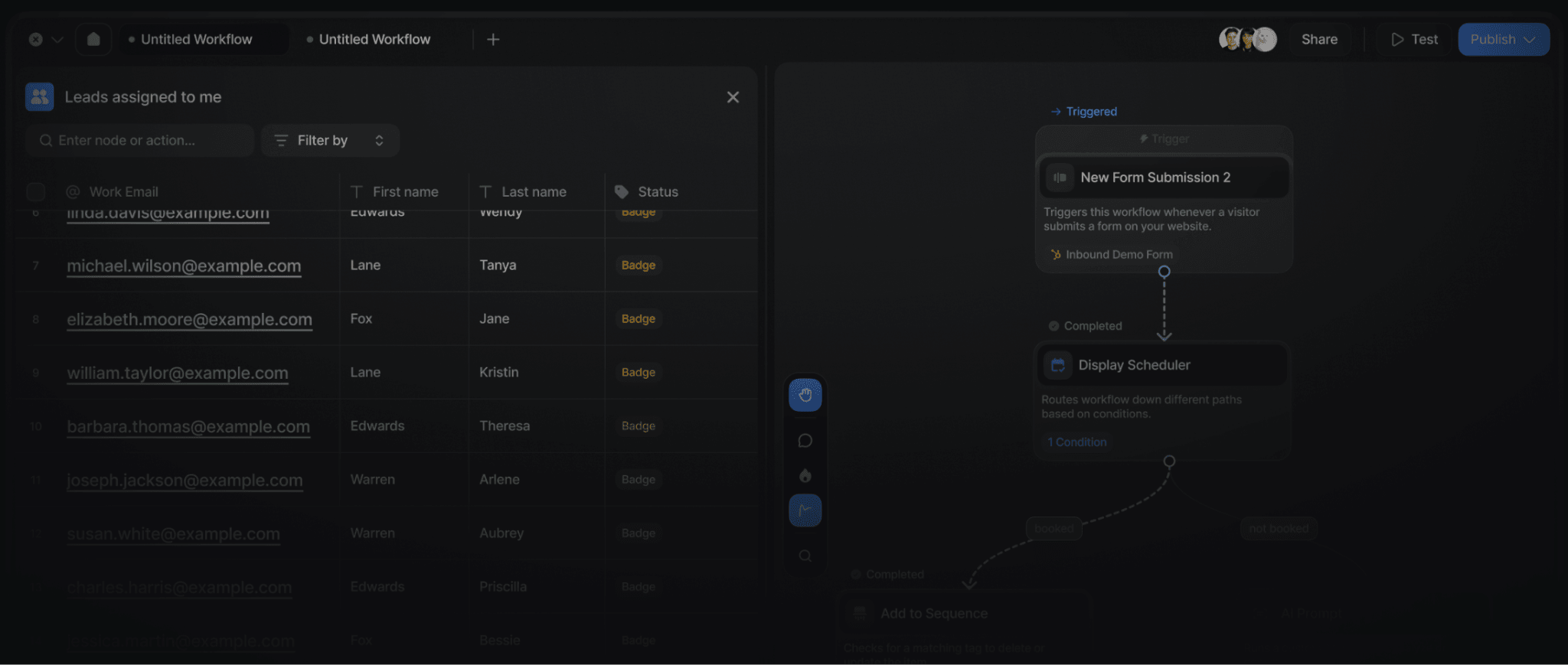
Default gives your RevOps team one platform that runs the whole inbound flow (routing, enrichment, qualification, scheduling), a unified data layer that keeps every record consistent across Salesforce and HubSpot, and an MCP that helps plans and executes work rather than just answering questions about it.
Book a demo to see how Default brings agent-ready automation to your RevOps stack.
FAQs
1. What is AI workflow automation for RevOps?
AI workflow automation uses AI and automated workflows to execute revenue processes such as lead qualification, enrichment, routing, follow-up, CRM updates, and pipeline operations independently without manual steps.
2. What is the difference between AI agents and workflow automation?
AI agents can interpret requests, plan tasks, and make decisions, while traditional workflows generally execute predefined logic. Modern RevOps systems often combine both.
3. What should RevOps teams automate first?
Start with high-volume, rules-driven processes where the inputs and desired outcomes are clear, such as lead enrichment, routing, CRM updates, data hygiene, and repetitive research. Expand into more autonomous agentic workflows once the underlying data and governance are reliable.