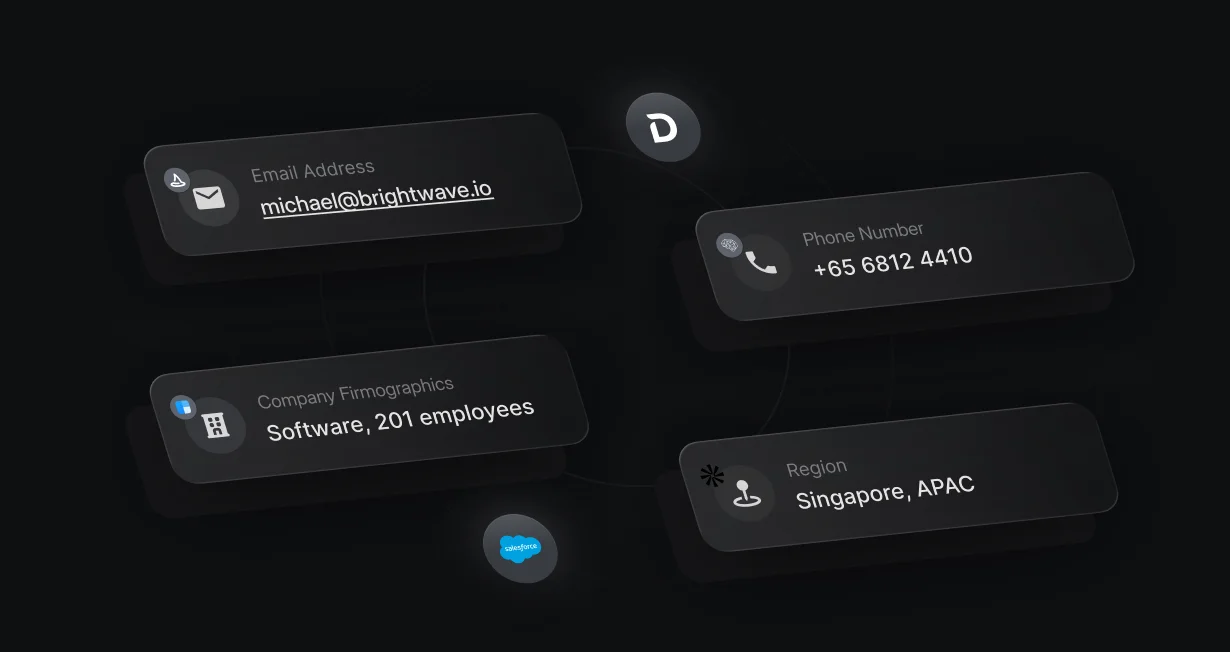
Email-only forms
Ask for an email address, and enrichment fills in the title, company size, and the rest.
Enrich every Salesforce leadas it arrives
Default enriches Salesforce records from 4 providers, with no provider accounts or API keys.












Ask for an email address, and enrichment fills in the title, company size, and the rest.
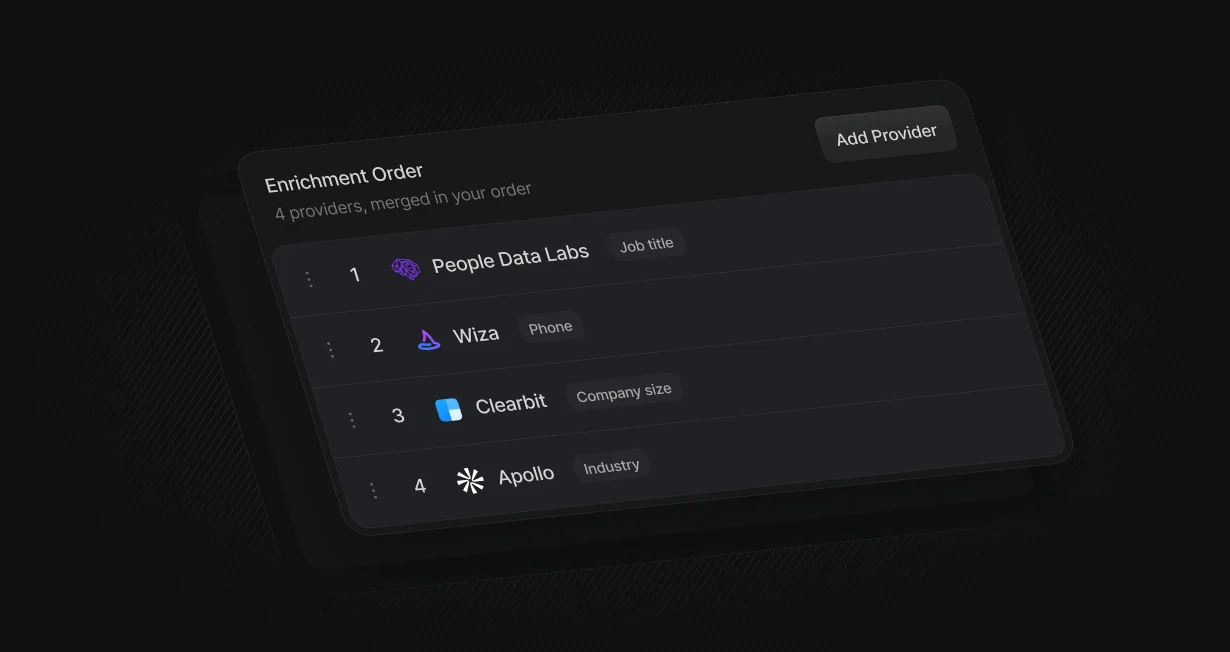
Results merge field by field in your order, and lower providers only fill what is still empty.

Default supplies the provider data and bills it in credits, so you need no provider account or API key.
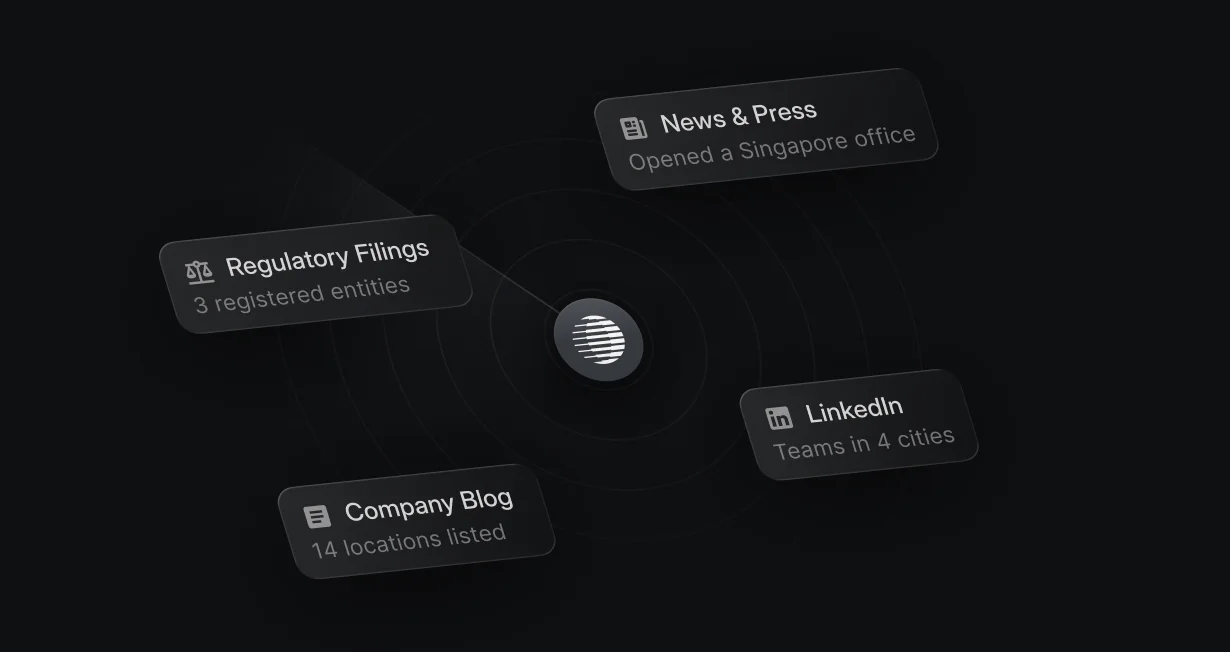
An AI research agent fills custom fields from the live web, in beta.
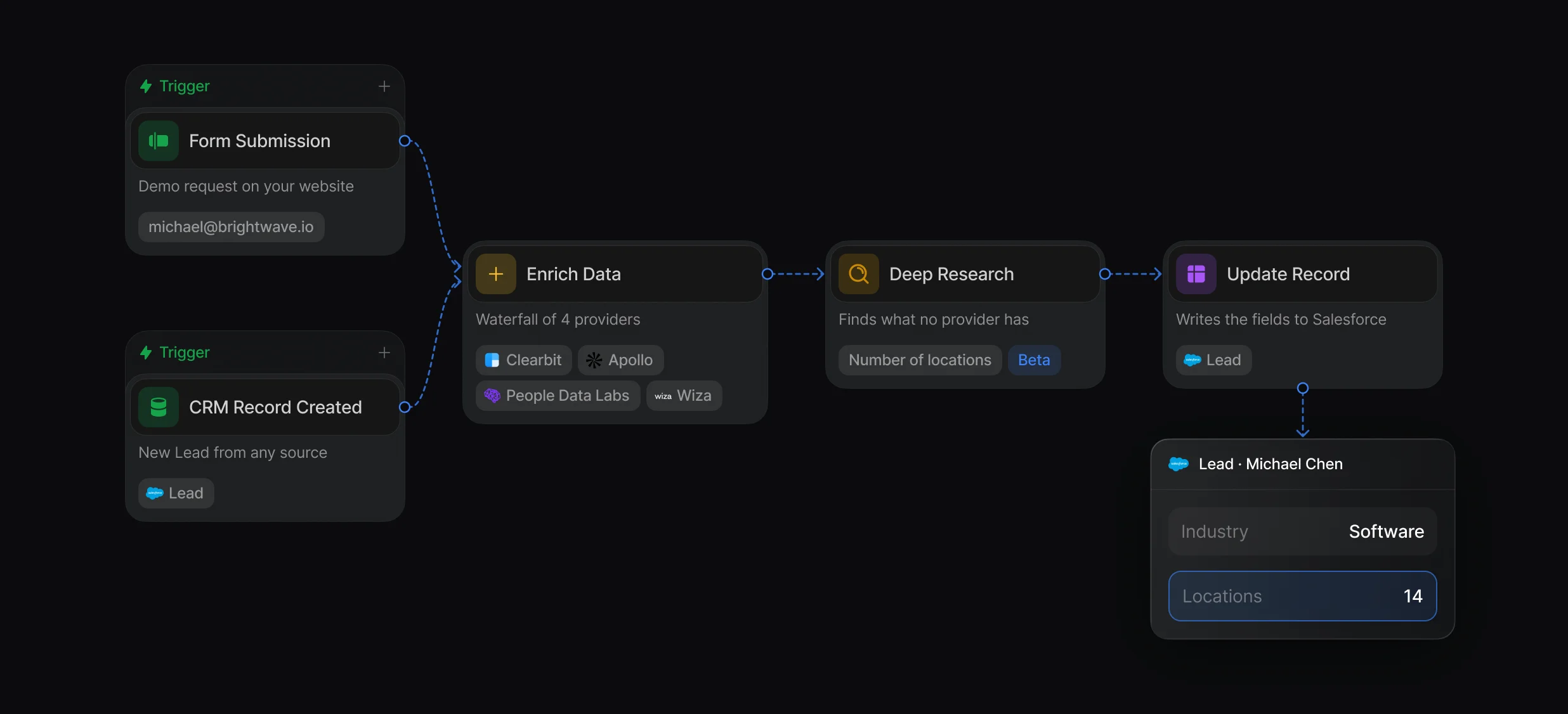
A form submission or a CRM Record Created trigger runs Enrich Data, and Update Record writes the fields to Salesforce. Deep Research, in beta, can fill fields no provider has, such as a company's number of locations.
Enrich the person, the company, or both from an email, a domain, or a LinkedIn URL.
Ask the live web a narrow question and get typed fields back, such as a number or a yes or no.
Fill empty fields on records already in Salesforce, from Tables, a workflow, or the API.
Default supplies the accounts for Clearbit, Apollo, People Data Labs, and Wiza and bills lookups in credits. Set the order, and the higher provider wins each field.
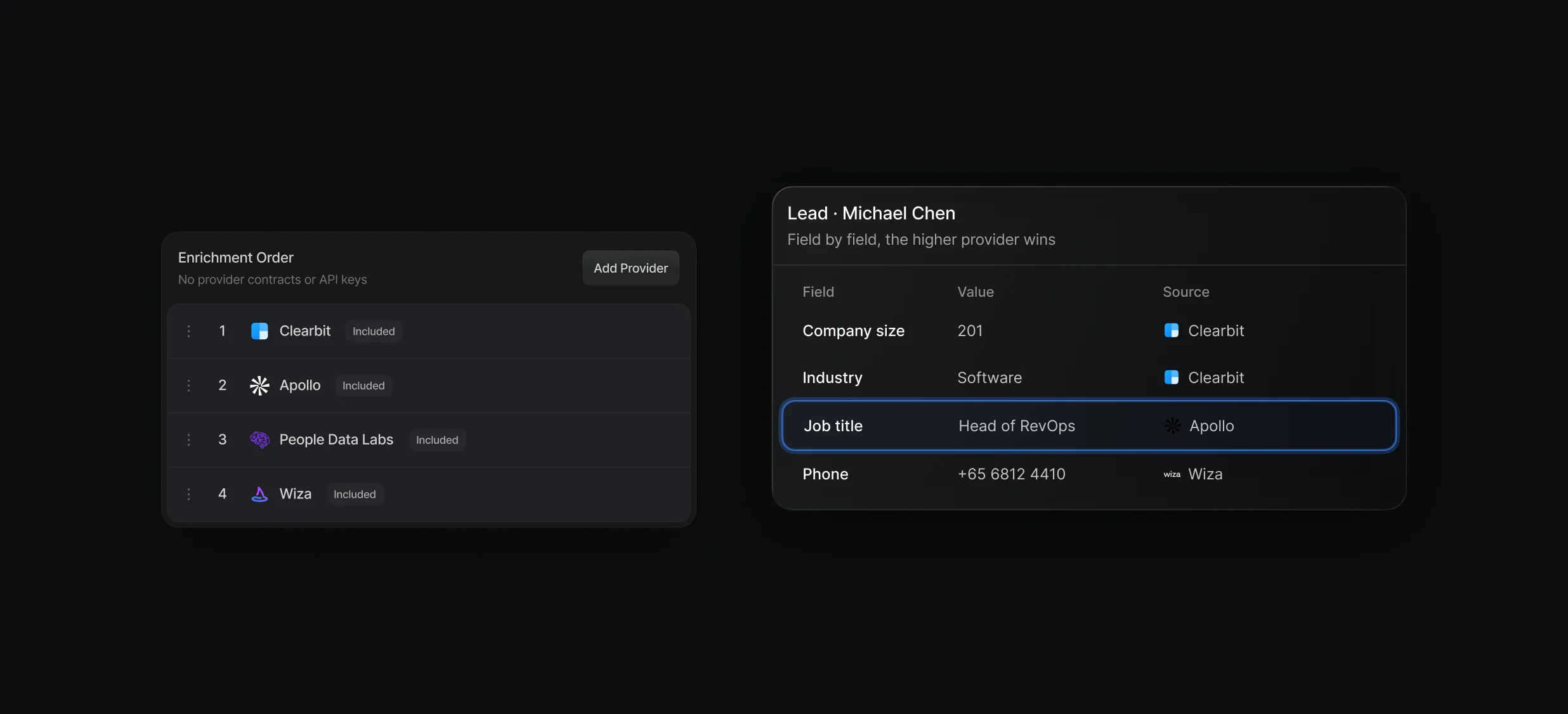
How the order, hits, and credits work in each place a waterfall runs.
Drag providers into priority order and set 1 waterfall as your primary.
Company size and industry feed your Rules of Engagement, so qualified visitors see the right rep's calendar. Poor fits take another path, such as a resources page or a nurture sequence.
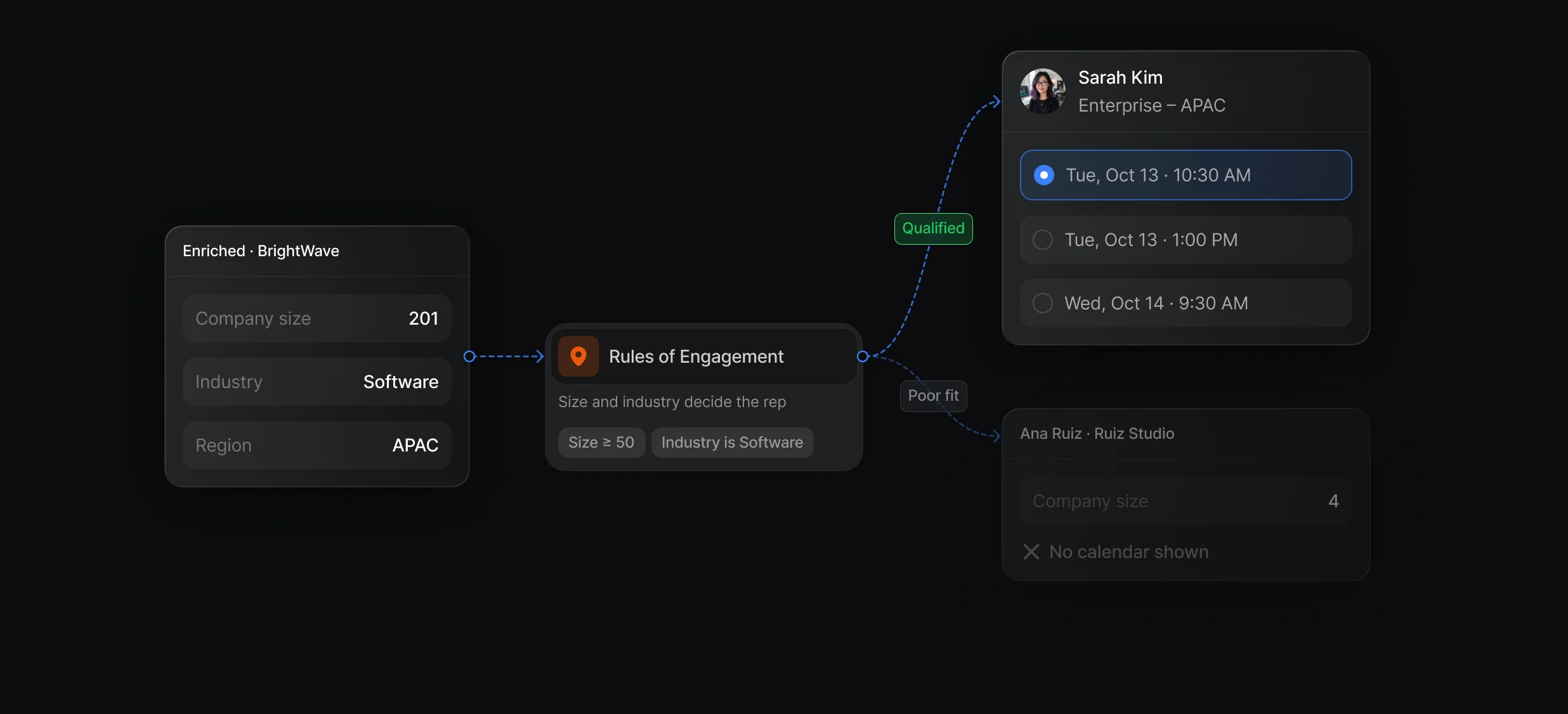
Route on enriched company size or industry, and send poor fits to No one.
The routed rep's calendar opens on the same page after the form, with no second form to fill in.
“It’s the control layer we’re using to run GTM from the same brain.”

Default enriches Salesforce leads, contacts, and accounts with an Enrich Data node that runs Clearbit, Apollo, People Data Labs, and Wiza in 1 waterfall, with no provider accounts or API keys. Update Record writes the results to Salesforce, and the same workflow uses them to route and book the lead.
Default starts a workflow on the CRM Record Created trigger for the Salesforce Lead, runs Enrich Data with your waterfall, and writes the fields back with Update Record. For form leads, Default enriches before Create Record, so the lead reaches Salesforce with its fields already filled.
In Default, a waterfall is an ordered list of data providers that the Enrich Data node calls at the same time. The answers merge field by field: the higher provider wins each field and lower ones fill what is still empty, so you find more data than any 1 provider has.
Default bills enrichment in credits for each provider that returns data: 1 for Clearbit or Apollo, 2 for People Data Labs, and 3 for a Wiza person lookup. A workflow waterfall charges every provider that returns data, and Clearbit also charges for a miss, so the cost per record depends on your waterfall.
Default's waterfall runs inside the workflow that routes and books the lead: the Primary Waterfall starts when a visitor leaves the email field, before they submit, and an Enrich Data node using the same waterfall reads that result. Some teams chain providers in a standalone data tool and sync the results to their CRM.
Fill in every lead and account from a waterfall of providers.
Fill empty Salesforce fields from a provider waterfall.
Run Apollo in your waterfall with no Apollo account.
Run Clearbit in your waterfall with no Clearbit account.
Enrich HubSpot contacts while the visitor fills in the form.
Route every Salesforce lead and book the meeting.
One platform to manage workflows, enrich records, route leads, and schedule meetings.