








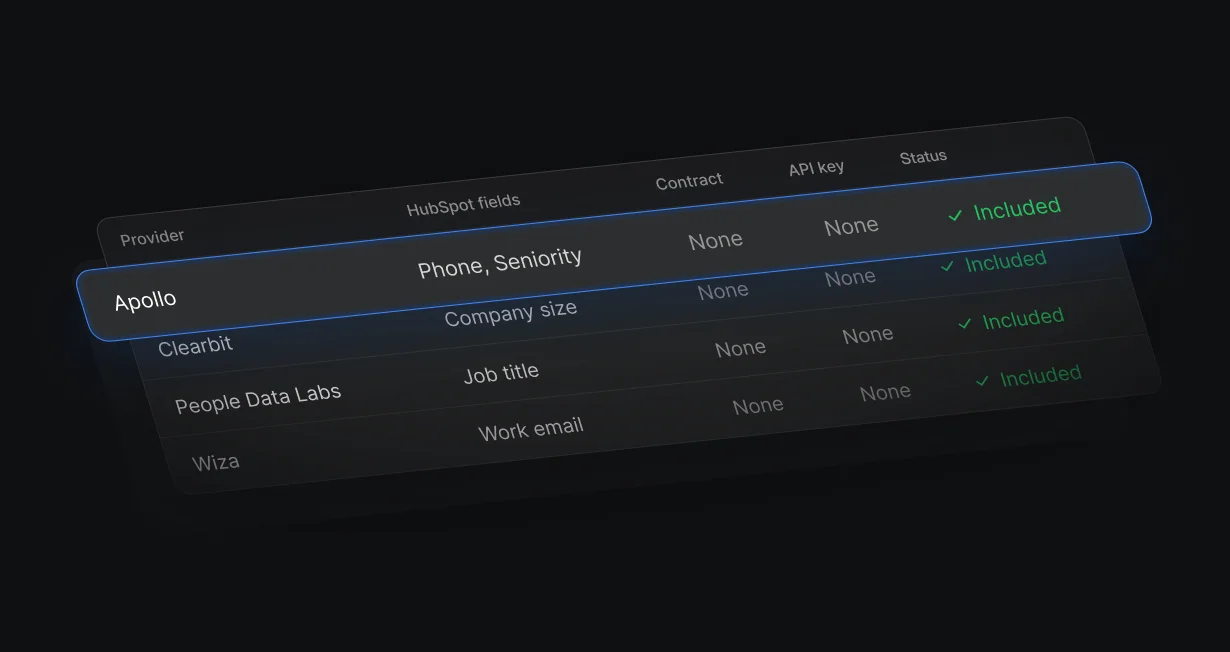
Included in Default
Default holds the Apollo account and bills lookups in credits, so there is no Apollo key to manage.
Put Apollo data intoHubSpot and Salesforce
Default runs Apollo in a waterfall with 3 other providers, with no Apollo account or API key.












Default holds the Apollo account and bills lookups in credits, so there is no Apollo key to manage.
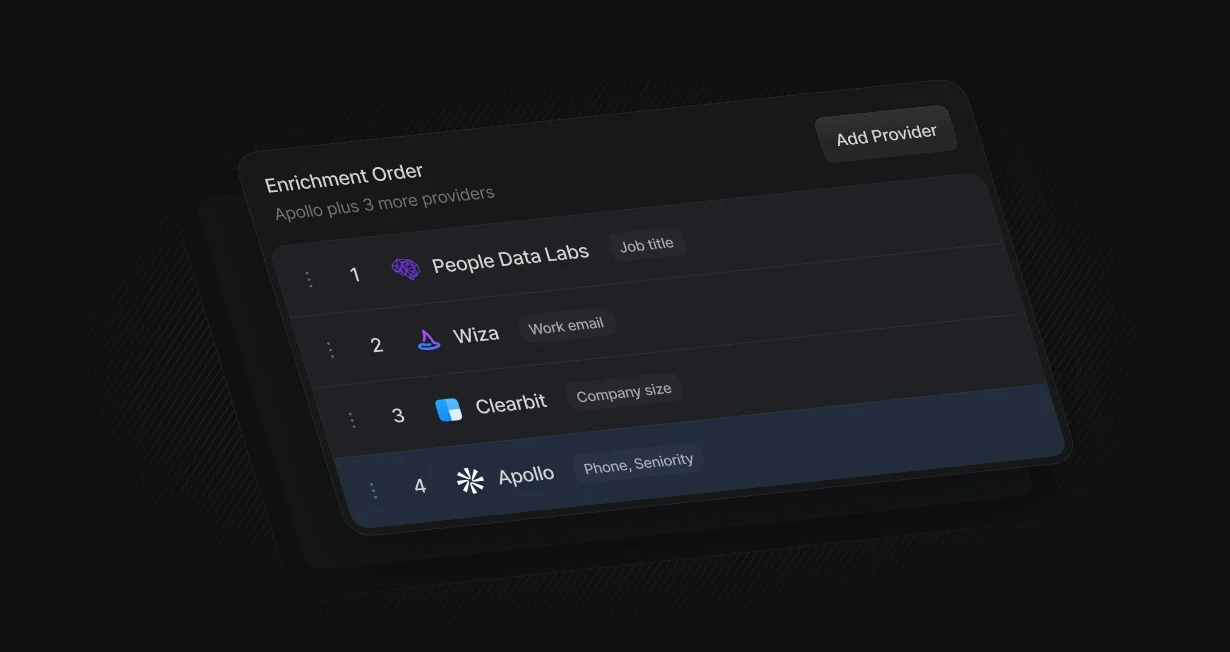
Apollo results merge field by field with Clearbit, People Data Labs, and Wiza.
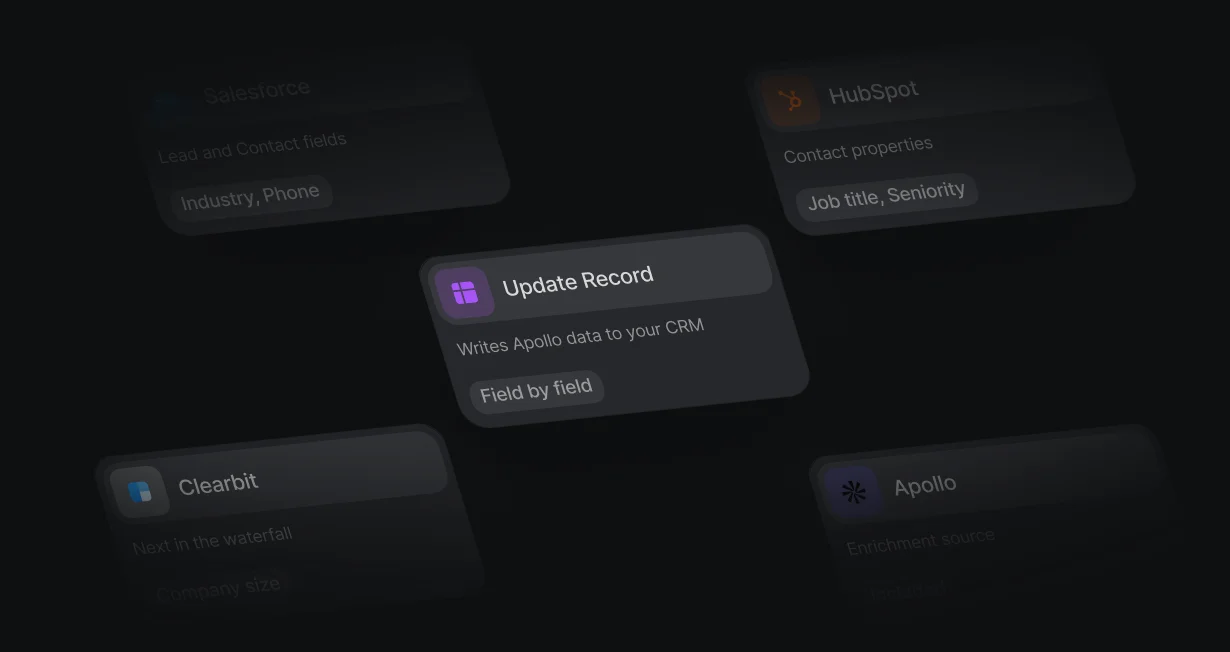
Enriched values write to HubSpot properties or Salesforce fields in the same workflow.
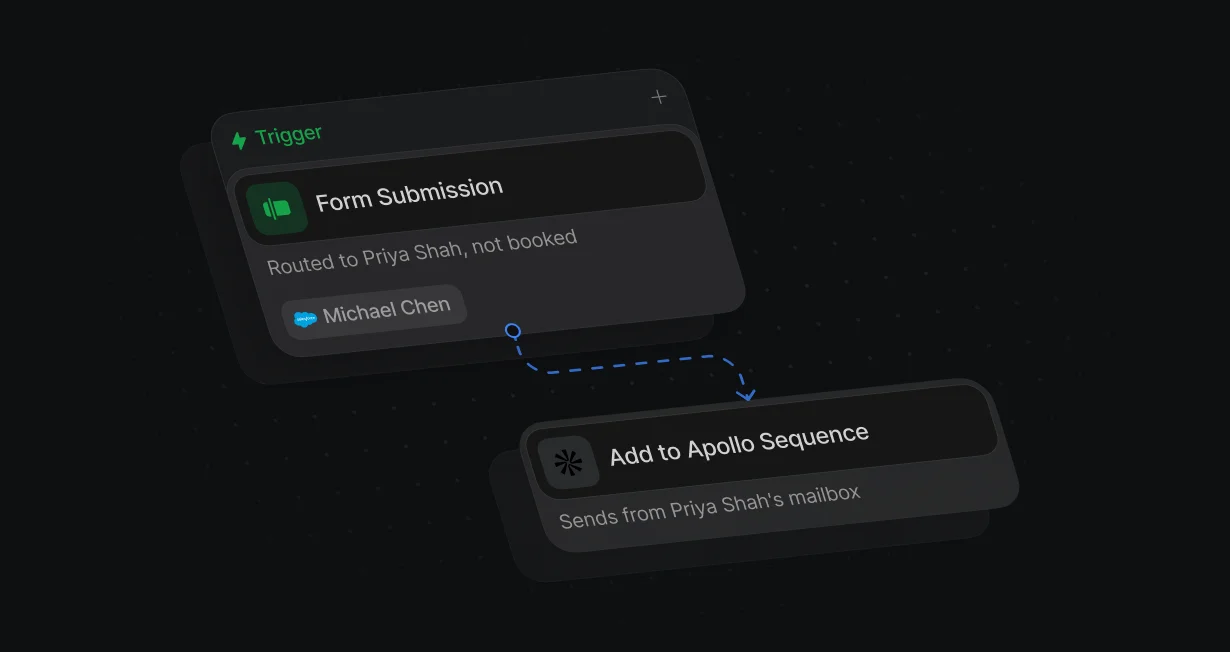
Enroll routed leads in an Apollo sequence from the assigned rep's mailbox, using your own Apollo API key.
Put Apollo anywhere in the provider order, and its results merge field by field with Clearbit, People Data Labs, and Wiza. Apollo can also enrich a person from a LinkedIn URL alone.
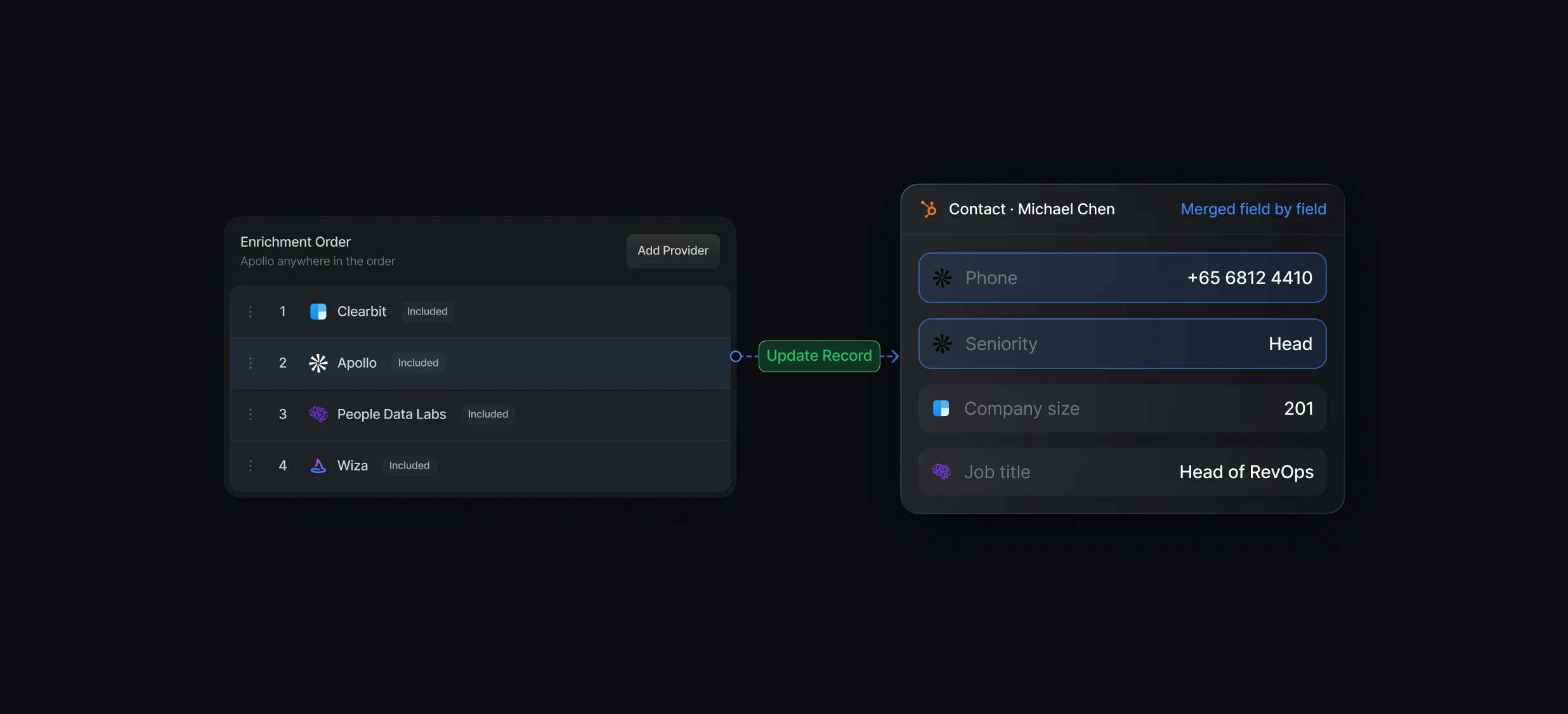
Apollo costs 1 credit per lookup that returns data, and nothing when it finds no match.
Drag Apollo above or below the other providers, and the higher one wins each field.
Enrich Data runs on form fills and new records, and Update Record writes the fields to your CRM.
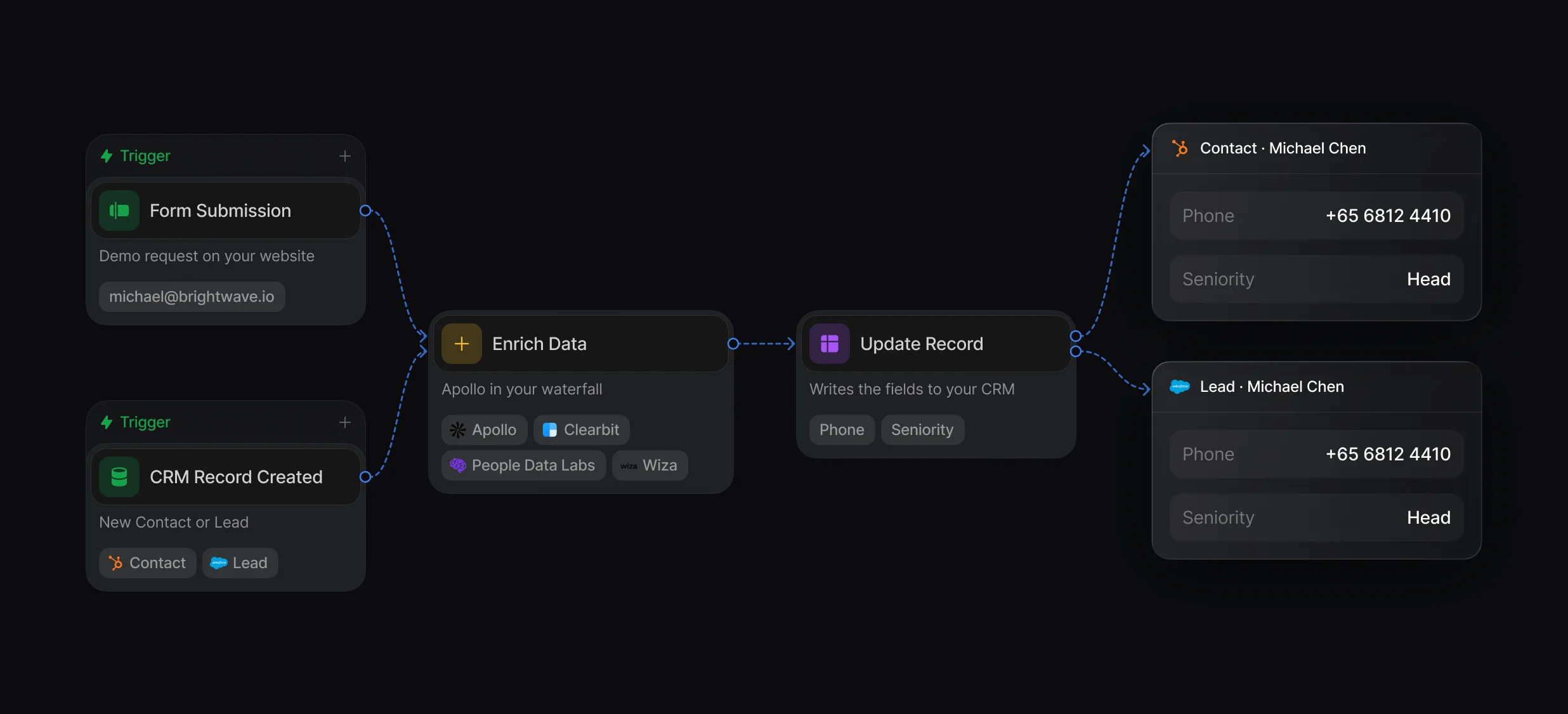
Pick Apollo on its own or a waterfall that includes it, in any workflow.
Fill empty fields on existing HubSpot and Salesforce records with Apollo data.
On the Not booked branch, Add to Apollo Sequence enrolls the person from the assigned rep's mailbox. Sequencing connects with your own Apollo API key, separate from enrichment.
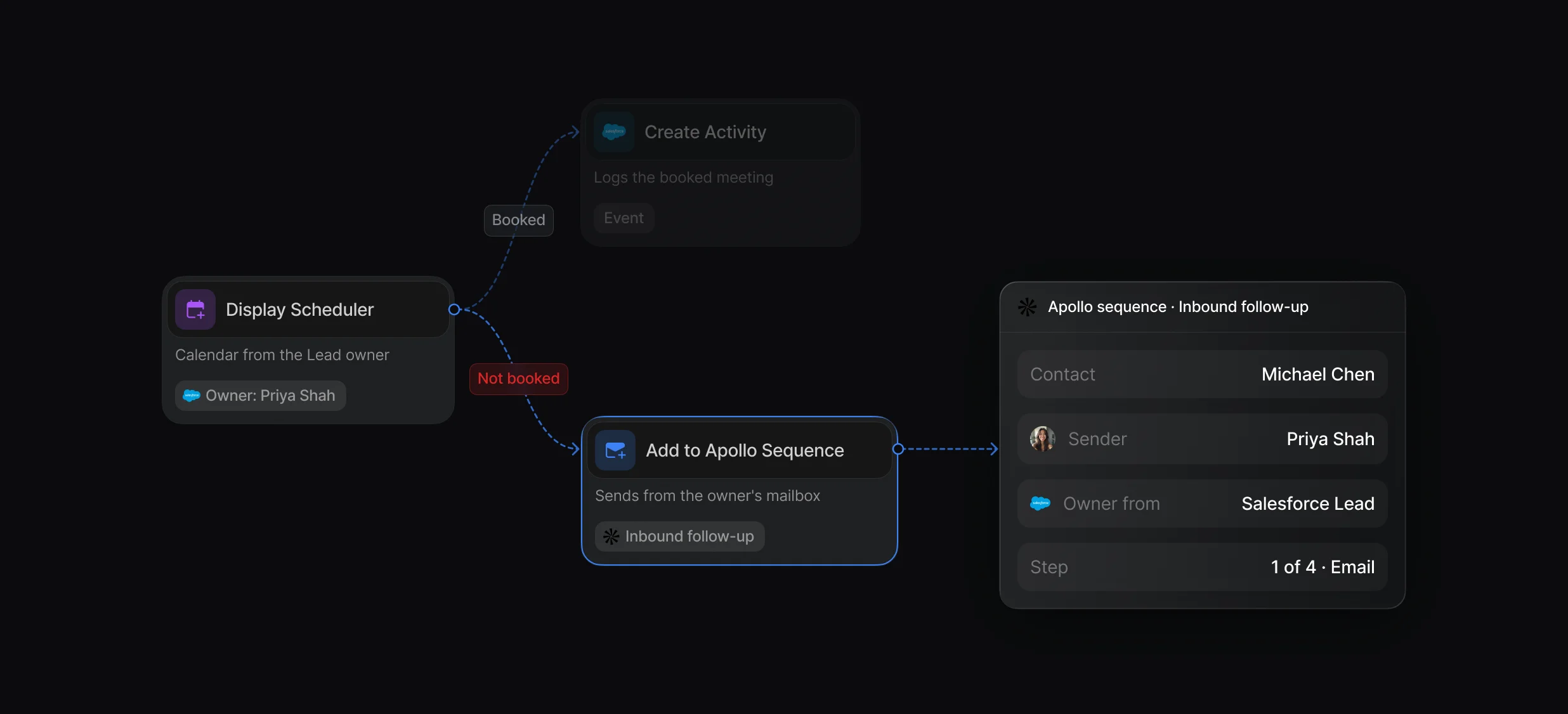
Pick the sequence, the sending mailbox, and the contact's email, and Apollo finds or creates the contact.
Alert the owner in Slack, create a task, or start a sequence when nobody books.
“It’s the control layer we’re using to run GTM from the same brain.”

In Default, Apollo is 1 provider in your own waterfall: it sits anywhere in the order, costs 1 credit only when it returns data, and can enrich a person from a LinkedIn URL alone. Apollo's own waterfall checks Apollo first, then connected third-party sources, for emails and phone numbers.
Default puts Apollo data into HubSpot and Salesforce from a workflow: Enrich Data looks the person or company up in Apollo, and Update Record writes the fields to the contact, lead, or account. Apollo also has its own native integrations with both CRMs.
Default supplies Apollo enrichment through its Apollo.io (Enrichment) card and bills lookups in credits, so you need no Apollo account or API key for it. Only the Apollo.io (Sequencing) card, which adds people to Apollo sequences, connects with your own Apollo API key.
Fill in every lead and account from a waterfall of providers.
Run Clearbit in your waterfall with no Clearbit account.
Enrich HubSpot contacts while the visitor fills in the form.
Enrich Salesforce records from 4 providers.
Fill empty Salesforce fields from a provider waterfall.
Send leads who don't book into Outreach sequences.
One platform to manage workflows, enrich records, route leads, and schedule meetings.


